1
Overview
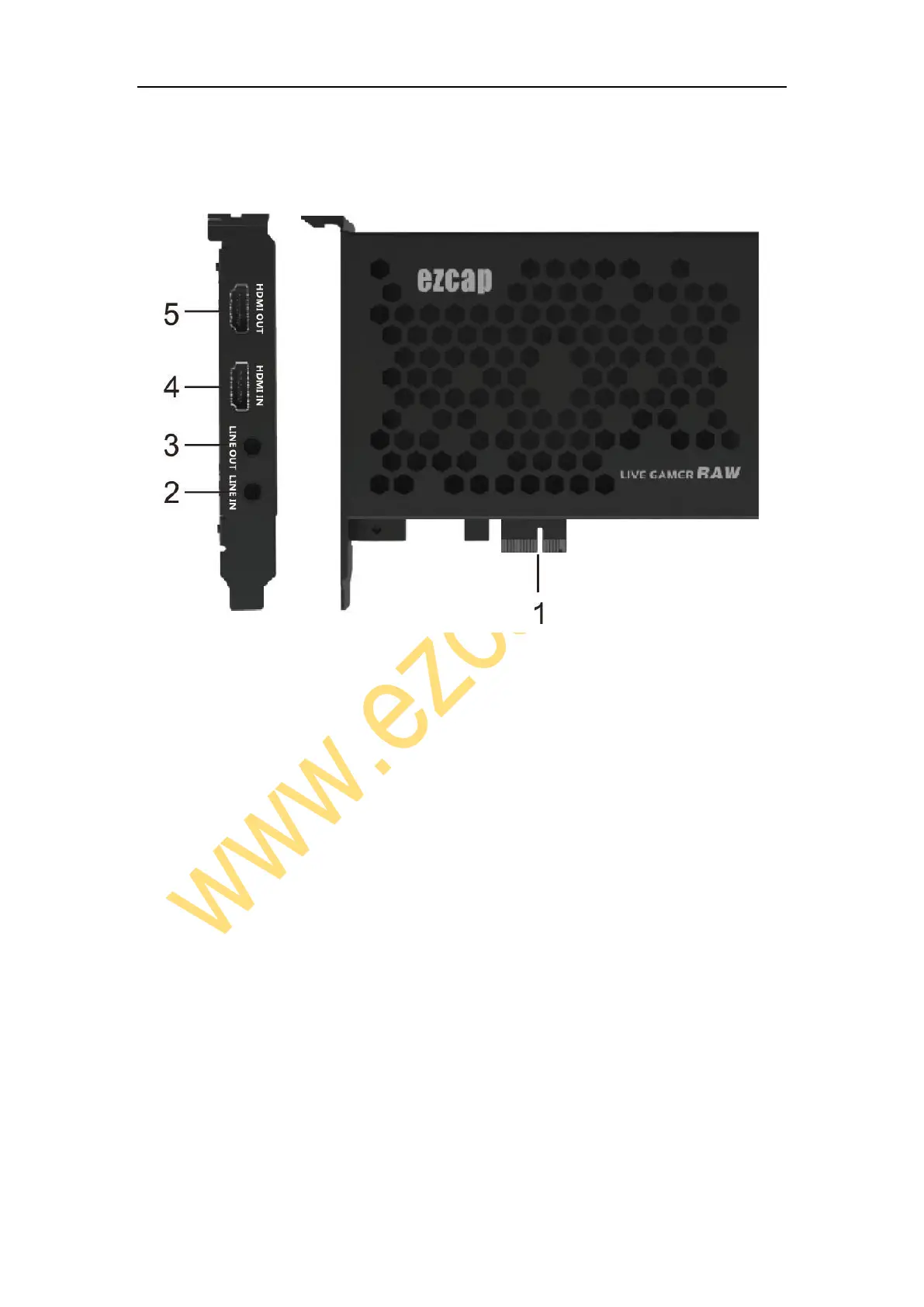
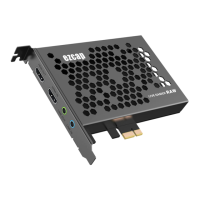
1, PCI-E X1: Connect to PCI-E slot of your computer
2, LINE IN: Connect to Audio mixer or Microphone, and mix the audio with video
together.
3, LINE OUT:Connect to Earphone or Speaker.
4, HDMI IN: HDMI input port, connect to console.
5, HDMI OUT: HDMI output port, connect to TV.
In the Box
ezcap324 Live Gamer RAW x1, Manual x1
Hardware



 To Next Page