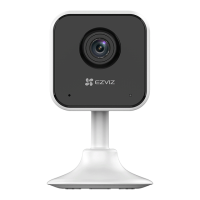
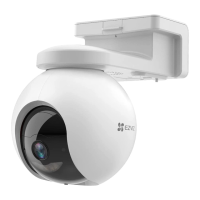
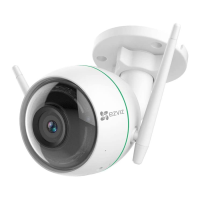
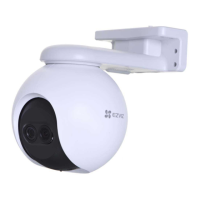
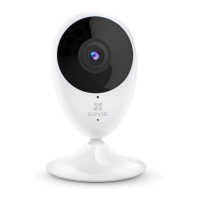
3
Name Description
LED Indicator • Solid Red: Camera is starting up.
• Slowly Flashing Red: Wi-Fi connection has failed.
• Fastly Flashing Red: Device exception (e.g. microSD card error).
• Solid Blue: Video is being viewed or played back in EZVIZ App.
• Fastly Flashing Blue: Camera is ready for the Wi-Fi connection.
• Slowly Flashing Blue: Camera is running properly.
microSD Card microSD Card should be purchased separately.
Initialize the card in the EZVIZ app before using it.
RESET Button Hold down the RESET button for 5 seconds while the camera
is running, the camera restarts and all parameters are reset to
default.


 To Next Page
 Loading...