5
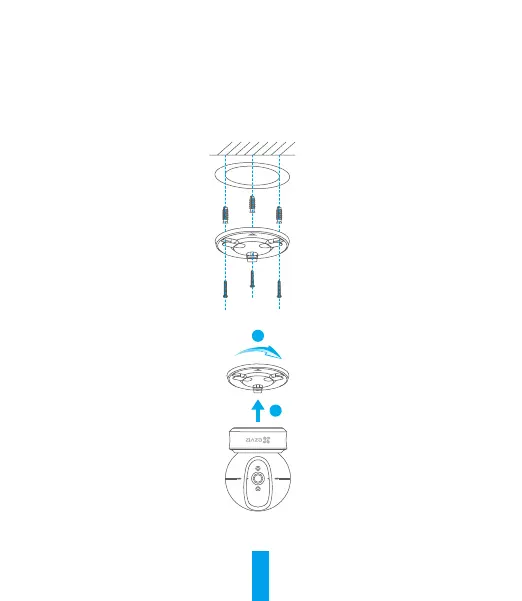
1. Place drill template onto the surface you have chosen to mount the camera.
2. (For cement wall/ceiling only) Drill screw holes according to the template and insert three expansion
screws.
3. Use three metal screws to fix the camera base according to the template.
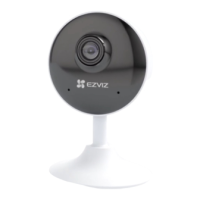
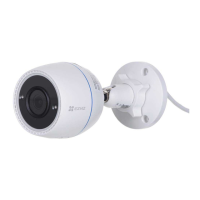
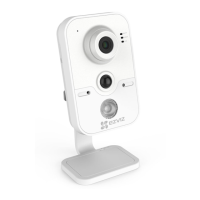
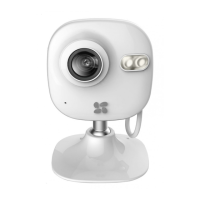
4. Install the camera on the base, and turn it 15° to secure it.
1
2
5. Connect the power cable to the camera. If the camera was previously connected to the Wi-Fi
network, it will automatically connect to the same Wi-Fi network.


 To Next Page
 Loading...