12
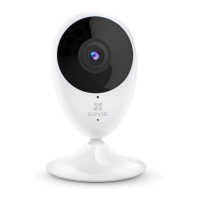
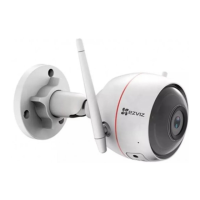
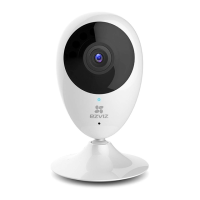
Name Description
MIC For audio in.
LED Indicator • Solid Red: Camera is starting up.
• Slowly Flashing Red: Wi-Fi connection has
failed.
• Fastly Flashing Red: Device exception (e.g.
MicroSD card error).
• Solid Blue: Video is being viewed or played
back in EZVIZ App.
• Flastly Flashing Blue: Camera is ready for the
Wi-Fi connection.
• Slowly Flashing Blue: Camera is running
properly.
MicroSD Card
Slot
MicroSD card not included in the Box Contents.
After inserting the microSD card, initialize it
in the EZVIZ app, and then video files can be
stored in the SD card.
RESET Hold the RESET button for 5 seconds when the
camera is running. The camera restarts, and
resets all parameters to default.
Power Input 1A 12V


 To Next Page
 Loading...