14
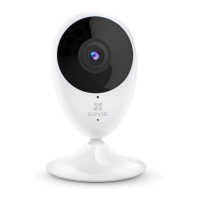
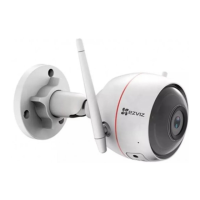
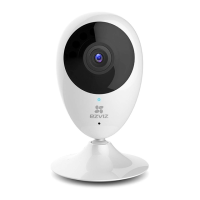
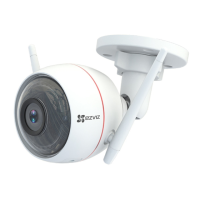
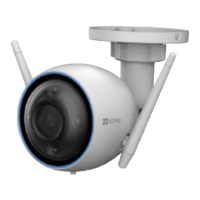
Basics
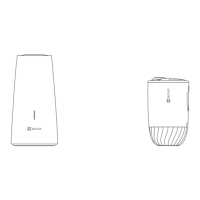
Micro SD Card Slot
(Behind the cover)
Reset Button
(Behind the cover)
MIC
Ethernet Port
Power Port
Speaker
Antenna
LED Indicator
Dual-lens
Spotlight
IR Light
Name Description
LED
Indicator
• Solid Red: Camera starting up.
• Slow-flashing Red: Wi-Fi connection failed.
• Fast-flashing Red: Camera exception (e.g. Micro SD
card error).
• Solid Blue: Video being viewed in the EZVIZ app.
• Slow-flashing Blue: Camera running properly.
• Fast-flashing Blue: Camera ready for Wi-Fi connection.


 To Next Page
 Loading...