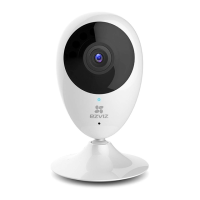
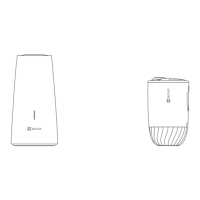
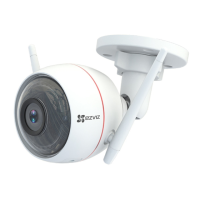
5
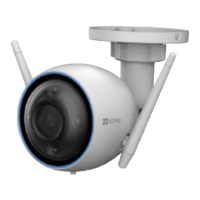
Speaker
Power Input
microSD Card Slot
RESET
Name Description
Speaker Two-way talk.
Power Input
5V±10%
micro SD
Card
For micro SD card (not included with this product).
You can purchase separately. Recommended
compatibility: Class 10, maximum space 256GB.
After inserting the card, you can record the event
inside the camera.
RESET Hold down the RESET button for 5 seconds while
the camera is running, the camera restarts and all
parameters are reset to default.
LED
Indicator
• Solid Red: Camera is starting up.
• Slow-Flashing Red: Wi-Fi connection has failed.
• Fast-Flashing Red: Device exception (e.g. microSD
card error).
• Solid Blue: Video is being viewed or played back in
EZVIZ App.
• Fast-Flashing Blue: Camera is ready for the Wi-Fi
connection.
• Slow-Flashing Blue: Camera is running properly.
IR Light
Auto light source for dark environment. The camera
video has two modes: color (for daylight recording) and
black and white with IR illuminator (for night condition).


 To Next Page
 Loading...