10
Delete Password
1
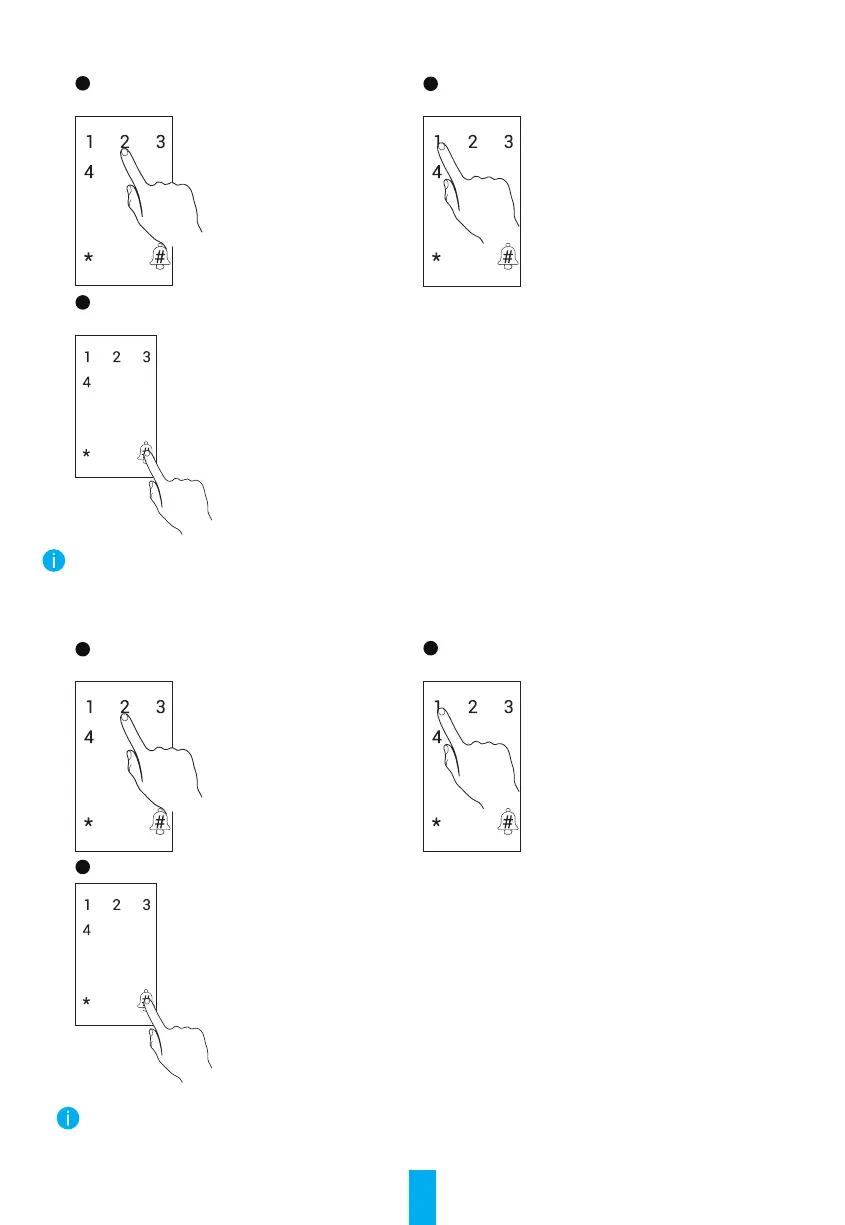
After entering the menu, press 22# to
delete password.
2
Enter password number and press #.
3
The password number ashes and then
press #.
The current veried password cannot be deleted.
For example, if you verify with password 1, then password 1 cannnot be deleted.
Delete Card
1
After entering the menu, press 23# to delete
card.
2
Enter card number and press #.
3
The card number ashes and then press #.
The current veried card cannot be deleted.
For example, if you verify with card 1, then card 1 cannnot be deleted.


 To Next Page