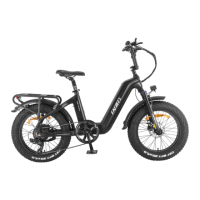
Operation Buttons:
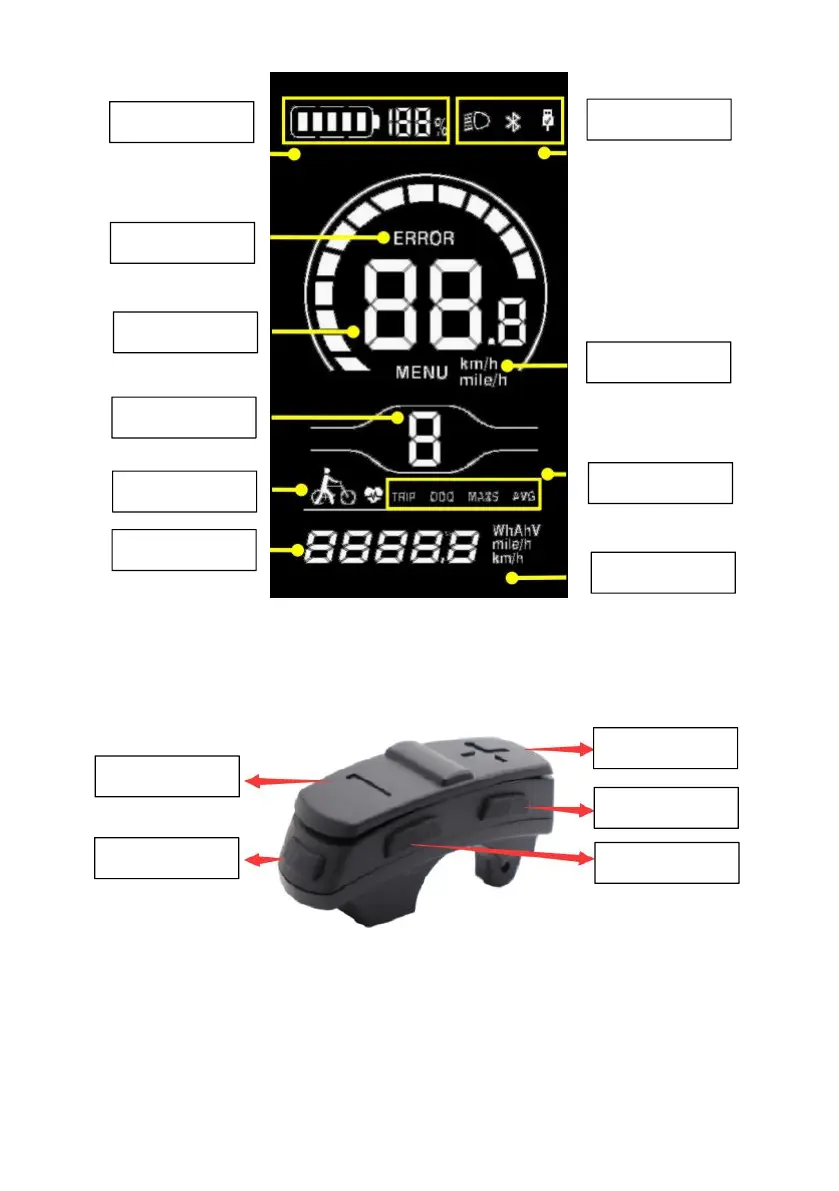
Power button: Press and hold power button to turn on the display. Press the
button to turn off the display, and the current leakage of the display is less than
1uA. If not operating the bike for 10 minutes, the display will turn itself off.
Select Button ”i”: Press the button briefly to view single mileage, total mileage,
maximum speed, average speed and riding power.


 To Next Page