10
5.3 Walk assist mode
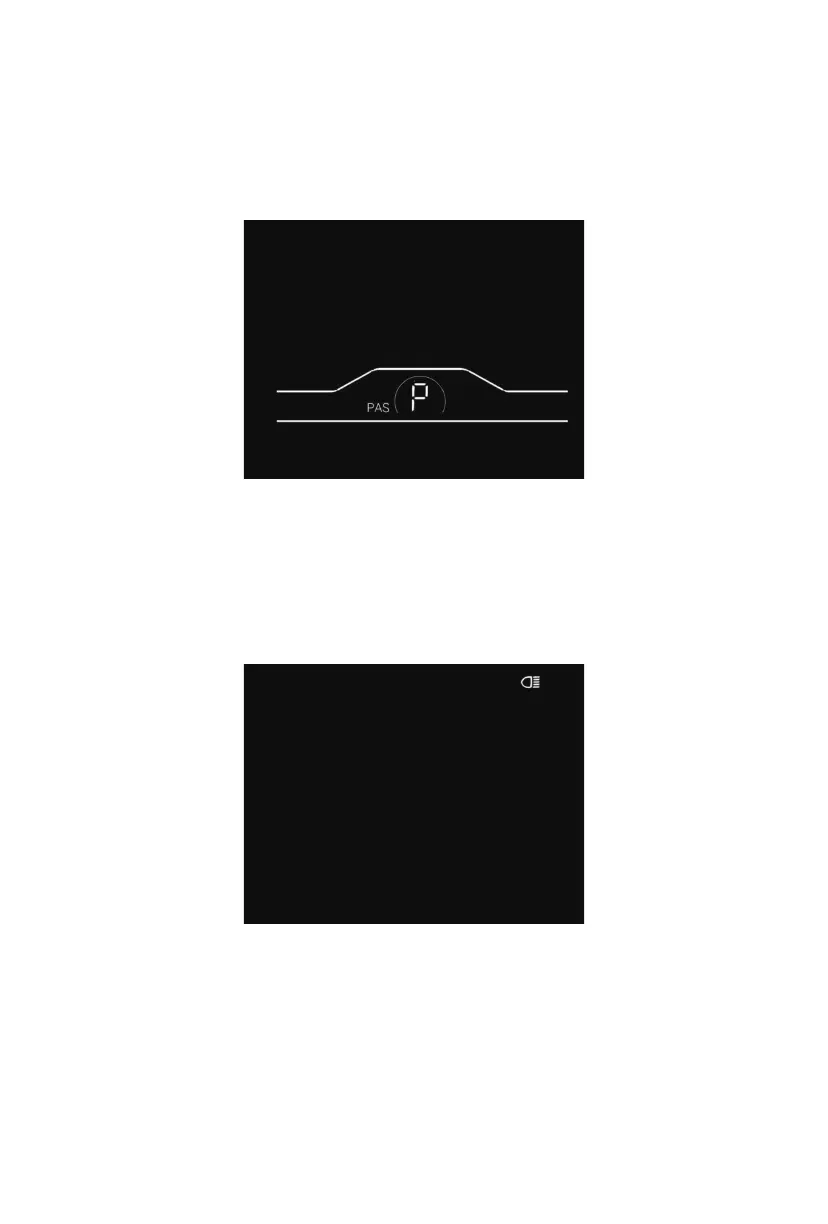
By pressing and holding the minus button, the walk assist mode will be enabled. Your e-bike
will run at the constant speed of 6km/h. The display will show level P. By releasing the minus
button, your e-bike will immediately stop power output and return to the state before walk
assistance.
Fig. 5-2 Walk Assistance Indicator Interface
5.4 Headlight on/off
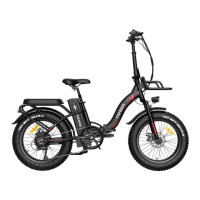
By pressing and holding the plus button, the controller will turn on the headlight and the
display backlight will turn dark. By pressing and holding the plus button again, the controller
will turn off the headlight and the display backlight will restore the brightness.
Fig. 5-3 Headlight-on Indicator Interface


 To Next Page