13
Press the i button to enter the parameter modification interface. Press the plus /minus
button for parameter selection. Press the i button to save the parameter and return to the
selection interface of general setting options.
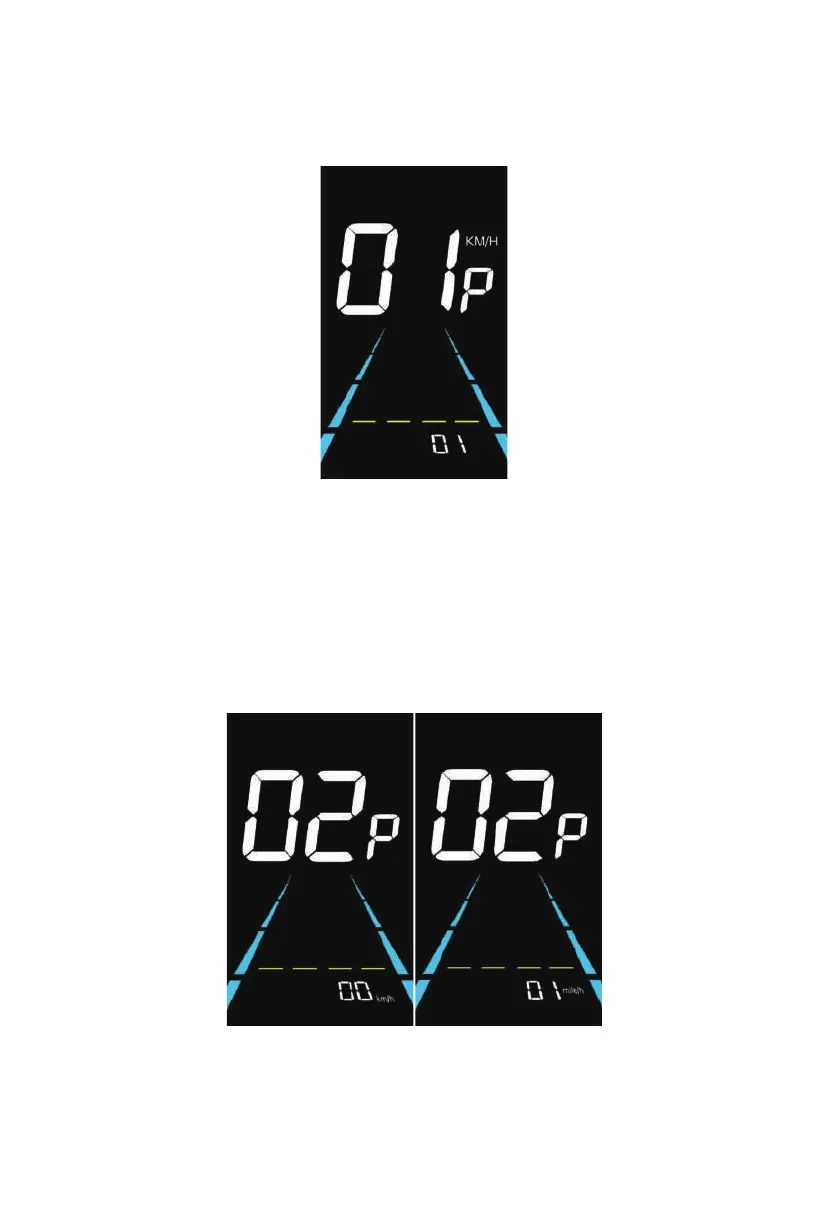
Figure 6-1 Backlight Luminance Setting Interface
Figure 6-2 Metric and Imperial Units Setting Interface
6.2 Metric and imperial setting
02P is the metric and imperial setting, 00 for metric and 01 for imperial.
Press i button to enter the parameter changing state. Press the plus / minus button to select
the parameter and press i button to save the parameter setting and return to the
personalized parameter setting interface.



 To Next Page