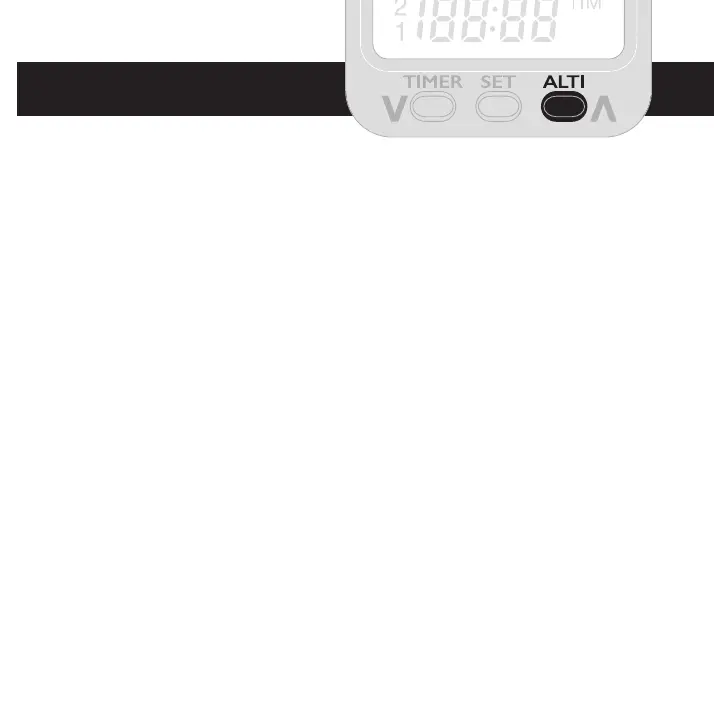
The ALTI button
Three types of altimeter and barometers are accessed with the ALTI
button. A quick press shows the altimeter or barometer name before
displaying the reading, a further press while the name is displayed
moves to the next.
QNE indicates altitude relative to the standard pressure of 1013.25mB.
This is equivalent to pressure at mean sea level dened by the
International Standard Atmosphere.
QNH can be set to the height of the hill or aireld, or a pressure reference.
After selecting QNH, hold the ALTI button to enter Height adjustment
mode (H) then use left and right buttons followed by SET to store the
displayed height or move to Pressure setting mode (P). This is adjusted
in the same way and is usually set to the pressure given by the local
aireld.
ALTI 1, 2 and 3, can be zeroed with a long press and can be used as
your take-o reference. ALTI 1 measures altitude in 10cm steps (or 4
inches) reverting to 100cm steps above 1999.9



 To Next Page