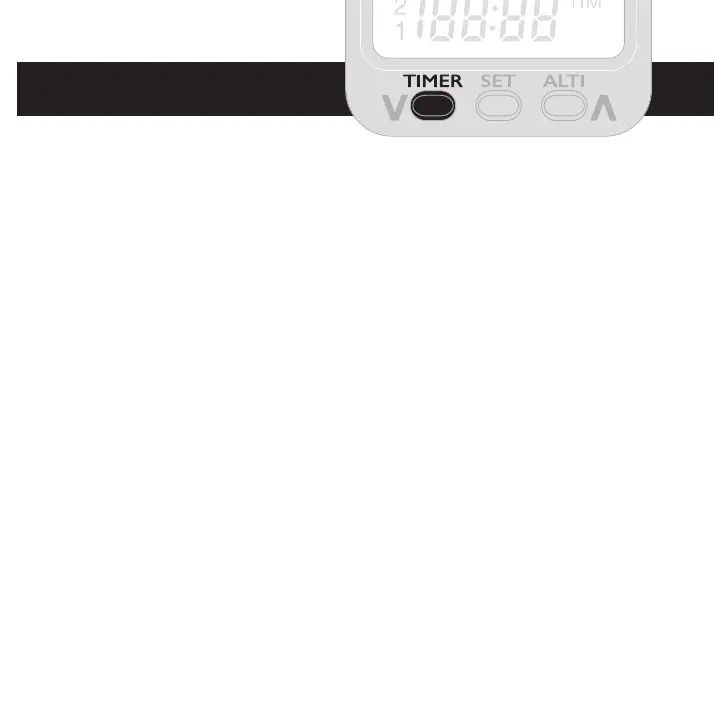
The TIMER button
The TIMER button gives access to the time clock, alarm timer and
stopwatch.
An initial press of the TIMER button shows the current time and will
automatically revert to its previous mode (current altimeter, temperature
etc.) without further key presses. Press again to keep the clock displayed
along with the vario.
Clock setting: A long key press allows you to set the clock. First hours
will ash and can be adjusted with the left and right keys, use the SET
button to set hours and then set minutes in the same way.
A third press gives the ALARM timer which can be used to set a reminder
or time events. If you are using your Micro Alti with a paramotor headset,
the alarm timer can be used as a prompt when your fuel tank is likely to
be low or half full, providing you rst familiarise yourself with your fuel
consumption. The alarm timer will permanently store the setting, so the
same duration can be used again.



 To Next Page