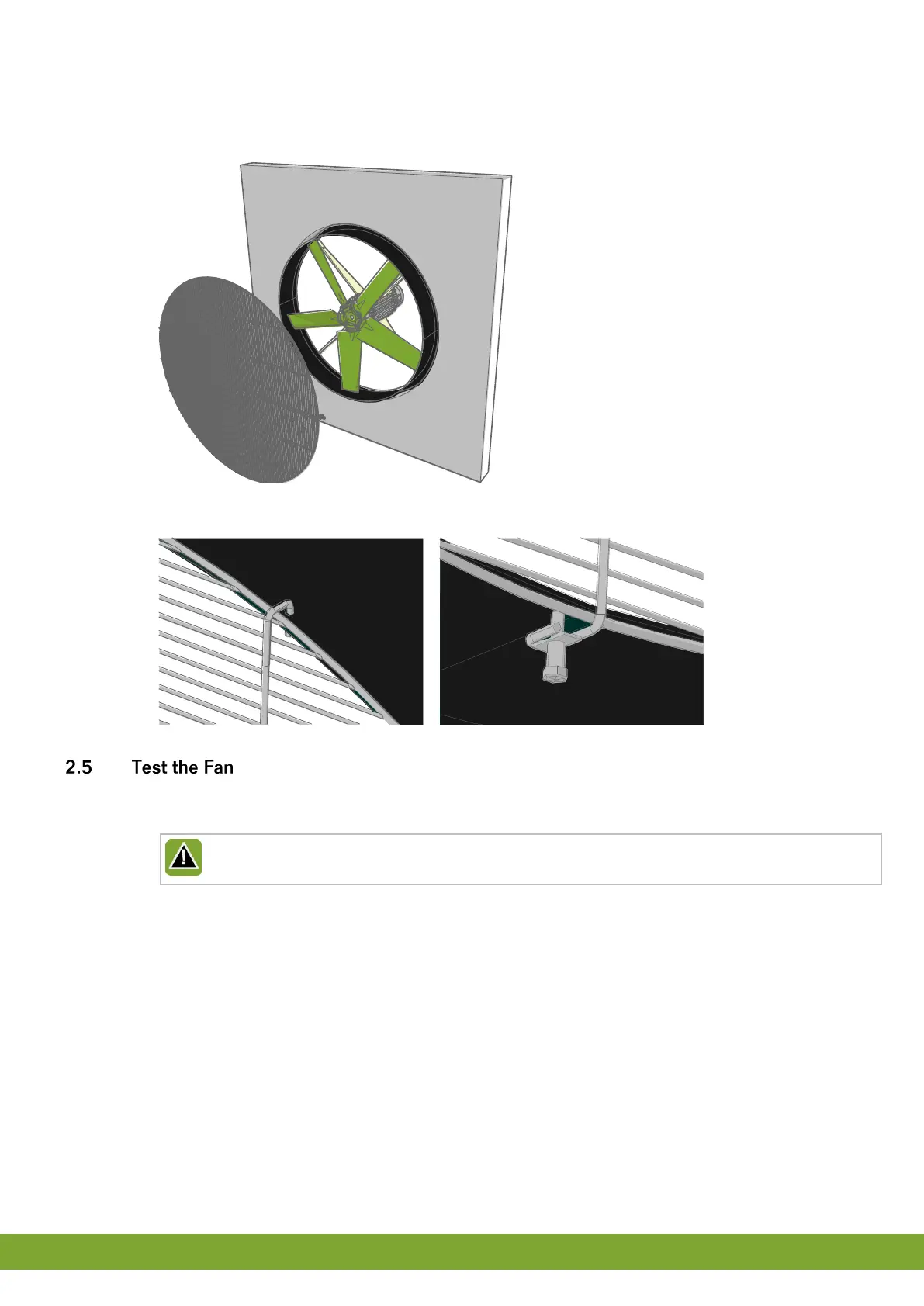
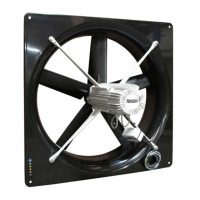
Air outlet side
1. Hold the protective screen up to the Fan and trace the three drill holes.
2. Drill the three holes with a ø5mm bit.
3. Place the protective screen on the Fan and fix the protective screen with a M5 x 30 bolt.
1. Check whether the Fan has been connected correctly.
2. Check whether the Fan works optimally.
Do not touch any of the Fan moving parts.


 To Next Page