PROG
Mo
TU
WE
TH
FR
SA SU
1
ON
OFF
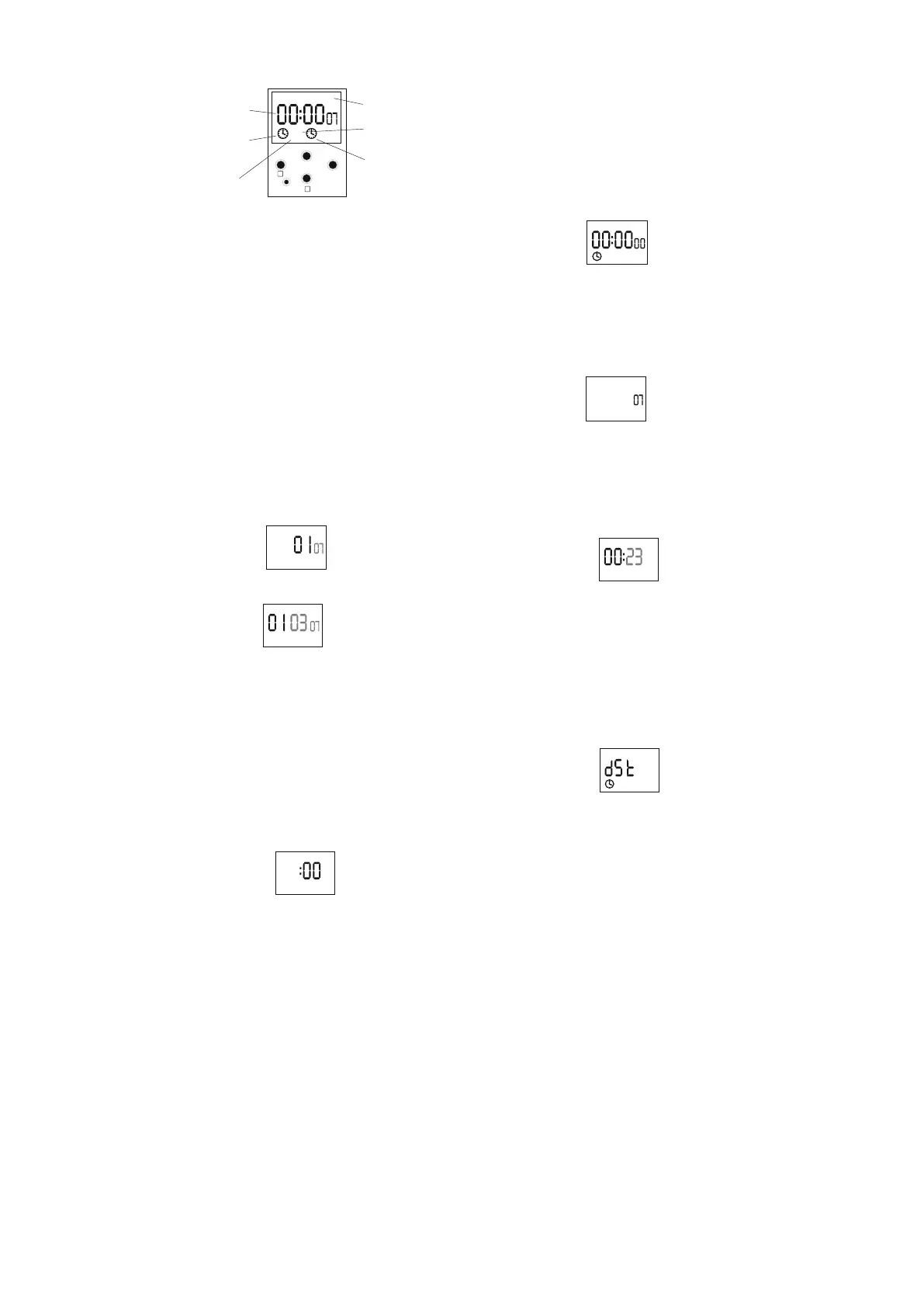
DESCRIPION OF DISPLAY AND PANEL STEERING
Mo-monday;Tu-tuesday; ;Fr-friday; Są-saturday; Su-sundayWe-wednesday;Th-thursday
day of week
signalisation of
joint position
index of
SUMMER TIME
date and time/
registration of programs
ondex of mode
AUTOMATIC
WORK
CHANNEL
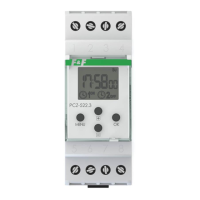
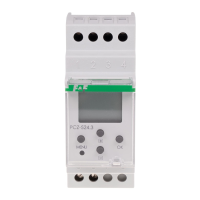
PCZ-524.2
RESTART
MENU
OK
+
-
DESCRIPTION OFF BUTTONS FUNCTION
MENU:
- passing from AUTOMATIC WORK to HANDIWORK and inversely
(preeser <2sec)
-passing in CONFIGURATION mode (preeser >3sec). Time must be
in AUTOMATIC WORK mode
- acceptance of settings DATE, TIME AND DST and the rest of settings
of CONFIGURATION mode.
OK:
- approve of registration and passage to next position
- to peep settings podgląd ustawień PROGRAMMABLE POINTS OF
ENCLOSURE AND EXCLUSION
+:
- change setting position by +1 in choosen programable position
(preesing a button make intennsive changes in settings by +1 in loop)
- in HANDIWORK mode:permanent enclosure ON and exclusion OFF
a joint
- in AUTOMATIC WORK mode:to peepsertting of date (dd-mm-yy)
−:- change setting position by +1 in choosen programable position
(preesing a button make intennsive changes in settings by +1 in loop)
RESET:
- to reset a processor - in case of hook-up of function of work
indispensable of timer. It does not erase setups of dates and time and
registration settings.
−+ MENU ("hard" reset) simultaneously prees:
- delete of all settings of date and time and all registration from memory
(preesing >3sec two buttons simultaneously ).
PROGRAMMING
1. START
1.1 Take on the POWER
1.2 Timer sterted count time from hour. 00:00
ATTENTION! If after took the power timer show another time and date
then it means, in memory timer are earlier setting.
1.3Iin order to change of settings, preesing
ATTENTION! If timer have got in memories earlier settings, they could
be deleted by “hard” reset (−+ MENU simultaneously prees >3sec.).
ATTENTION! All earlier configuration will be delete . Timer autoamticly
go to setting mode of date (see 2.1).
MENU >3sec.(see p2.1)
PROG
Mo
1
OFF
2. DATE
Prees a button MENU >3sec.
2.1 Timer pass to setting mode of year.
By buttons +/− set actual year and enter OK.
PROG
By buttons é/ę set a hour.
*By button OK enter a hour .Timer automaticly pass to configuration
mode of DST (see p4.1)
* By button MENU accept all of registry and out of programming mode.
4. DST - automatic change of time winter/summer.
Changes in option DST prees MENU >3sec.
ATTENTION!
changing a date (see p2.1) and time (see p3.1).
4.1 Timer pass to configuration mode of DST.
Changes of DST mode are previoused by checking or
PROG
Mo
1
ON
By button +/− set to :
ON - automatic change time function
OFF - lack of automatic change time function
*Enter to option by button OK. Timer automaticly pass to
CONGIGURATION mode (see p5.1).
*By button MENU/DELETE accept settings and out of programming
mode.
2.2 Timer pass to setting mode of month.
PROG
By buttons +/− set to actual day of month
*by button OK pas s to configu ration mode of ho ur
(see p3.1)
* by button MENU accept to registry and out of programming mode.
ATTENTION! Change from winter time to summer time and inversely is
make automaticly. Choose a date definite a time( winter time or
summer time).
SUMMER TIME- added a sign ş on the right side of display
WINTER TIME- lack a sign ş on the right side of display
ATTENTION! Posible is turn OFF automatic function of change a time
( see p.4).
3. TIME
Changes of time make by prees MENU >3sec.
ATTENTION! Changes of TIME mode are previoused by checking or
changing a date (see p2.1)
3.1 Timer pass to setting mode of minutes.
(hour;minute)
By buttons OK.+/− set to minutes and enter
3.2 Timer pass to setting mode of hour.
PROG
Mo
ş
PROG
Mo
ş
By buttons +/− set actual month and enter OK
2.3 Timmer pass to setting mode a day of month.
.
PROG



 To Next Page
 Loading...