Fantec DD-25U3 Docking Disk
2
2.5” External Enclosure Installation Guide
Please follow the instructions and make sure your hard drive is
successfully installed in the external enclosure!
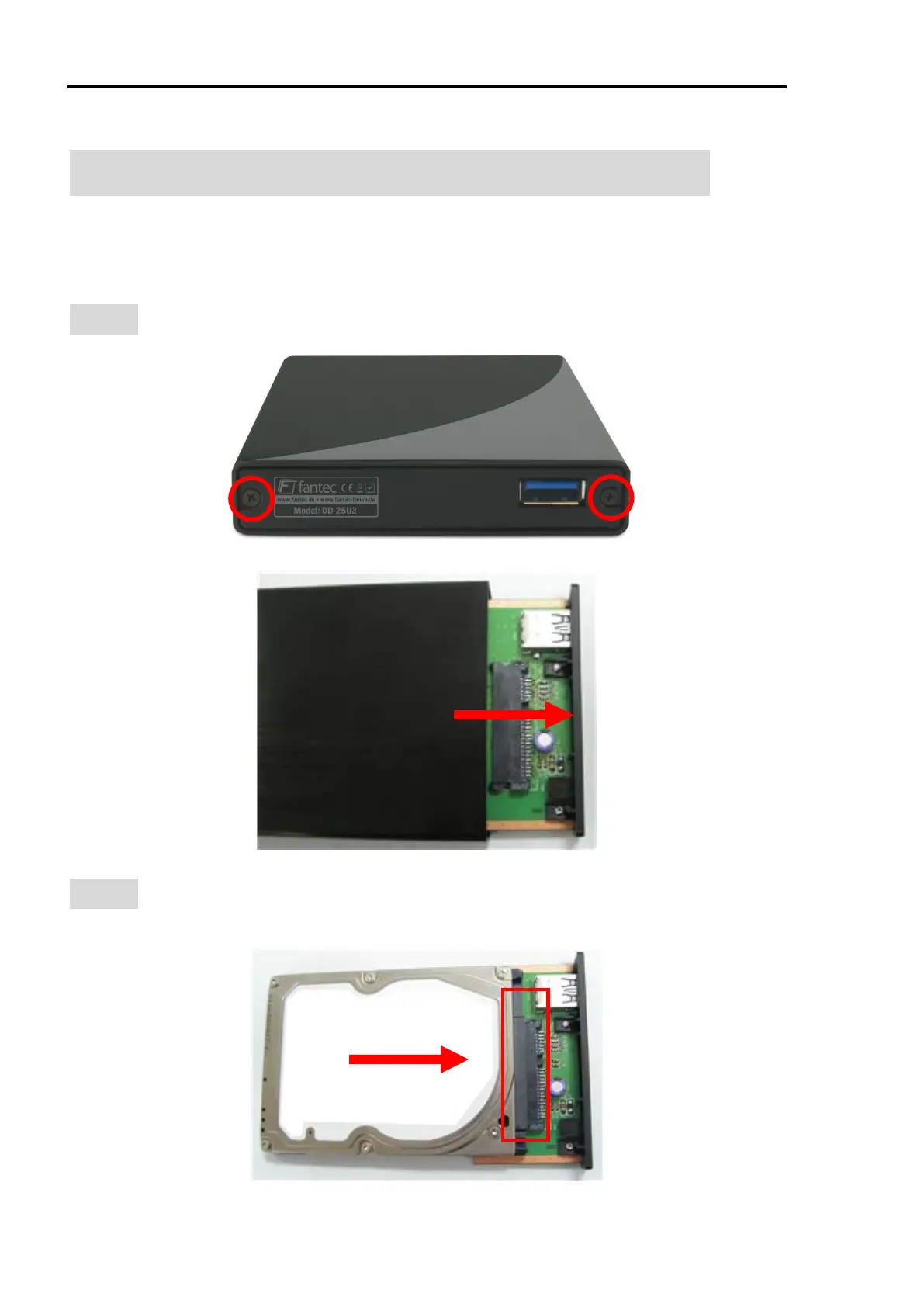
STEP1: Remove the screws and pull out the rear panel.
STEP2: Connect the SSD/HDD with the SATA connector and fix the HDD
with 2 screws.



 To Next Page