Fantec DD-25U3 Docking Disk
4
Docking Disk Installation Guide
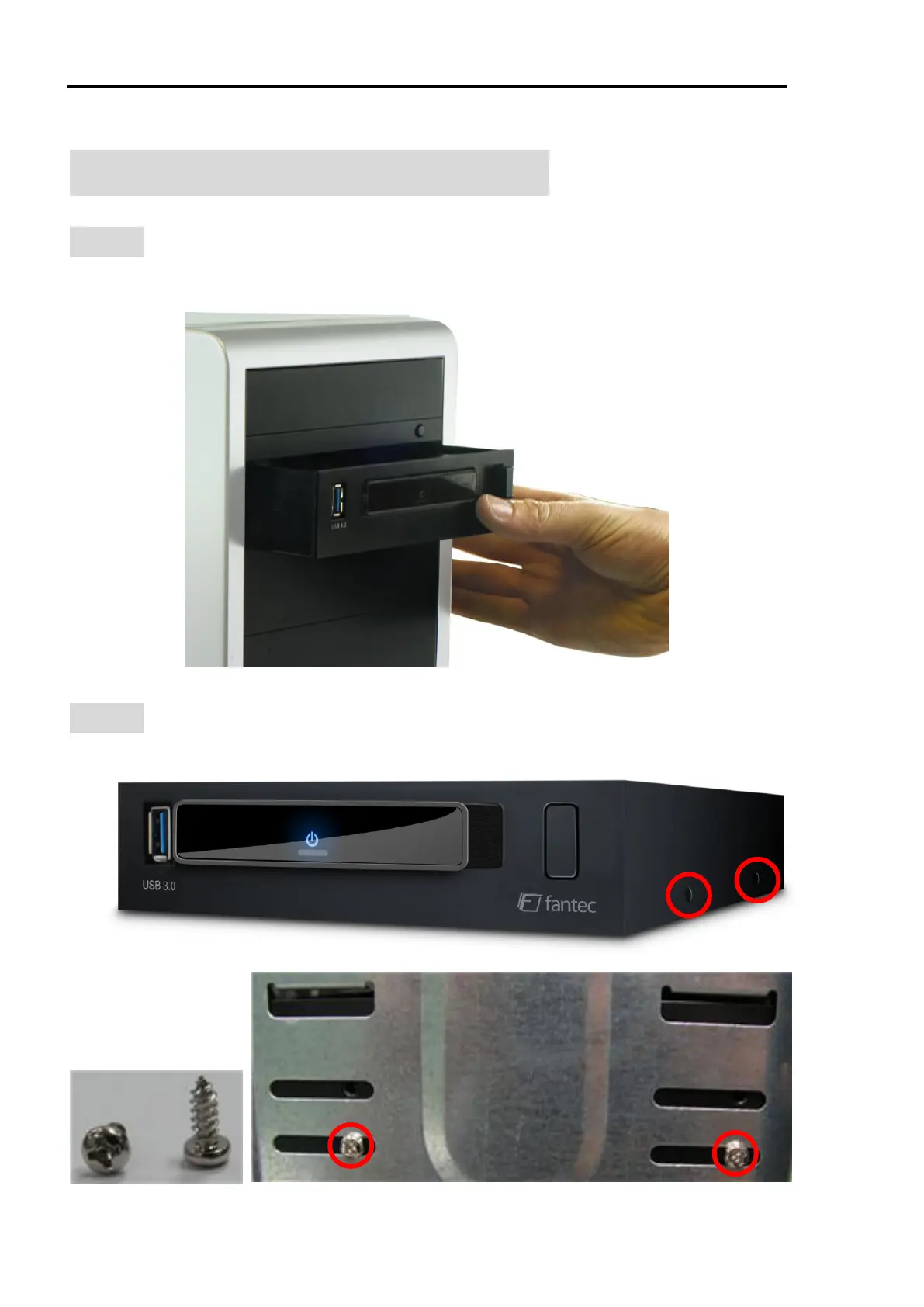
STEP1 : Insert the Docking Disk into the 5.25” slot of your PC case.
NOTE: The 5.25” slot has the same size like a CD drive.
STEP2 : There are 4 screw holes at both side of the mobile rack. Fix the
rack inside the PC case with 2 screws on each side.



 To Next Page