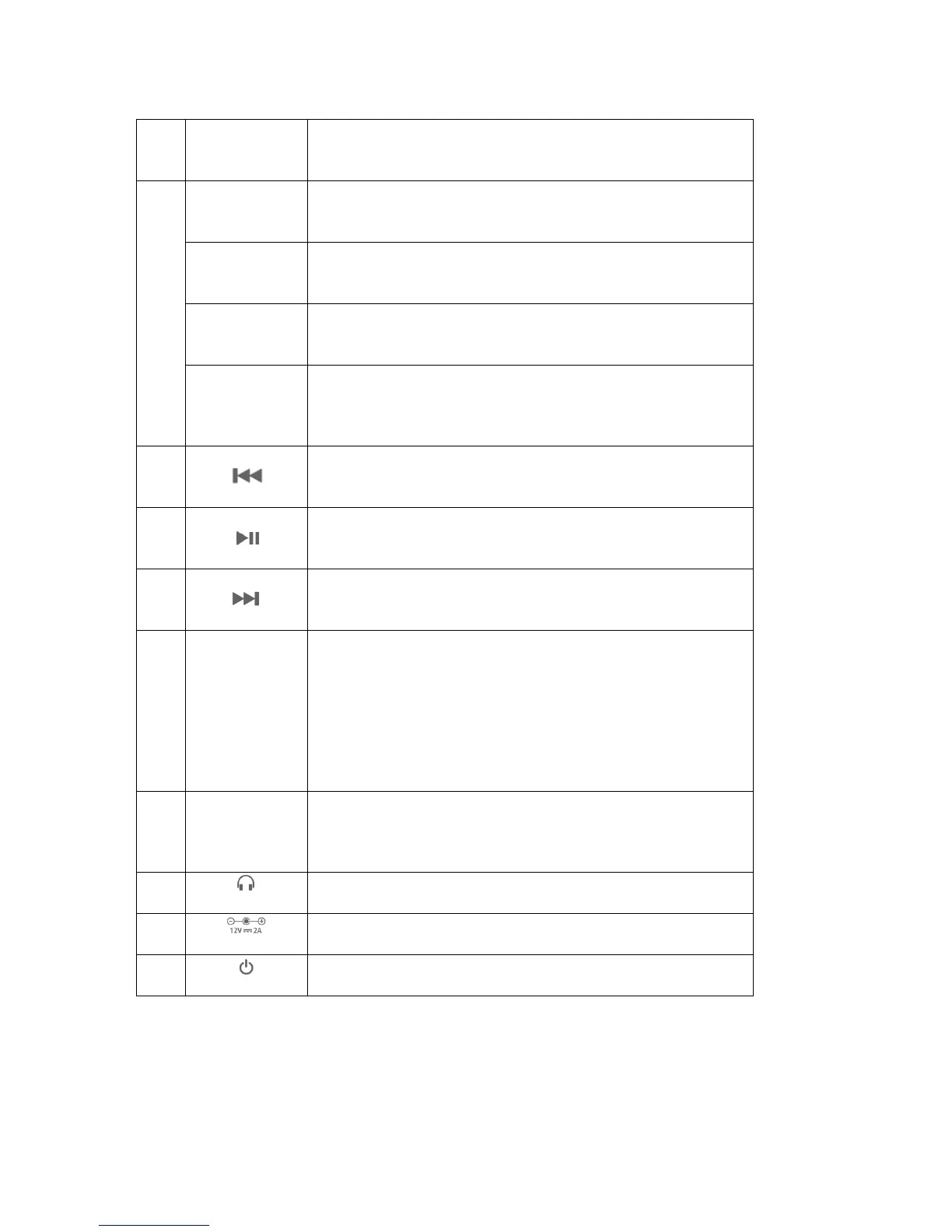
Press the Source button to select AUX IN or Bluetooth
as audio source.
Turn the knob counter-clockwise or clockwise to
decrease or increase the soundbar volume.
Press this button once to access the treble setting of
the soundbar.
Press this button twice to access the bass setting of
the soundbar.
Press and hold this button for more than 3 seconds to
set the soundbar to standby mode. Press again to
switch the soundbar back on.
Press this button to skip one track back in Bluetooth
mode.*
Press this button to pause or start the track in
Bluetooth mode.*
Press this button to skip one track forward in Bluetooth
mode.*
Blue LED flashes fast > The soundbar is not paired
with an end device.
Blue LED flashes slow > The soundbar is paired with
a device.
Red LED > The soundbar is in AUX IN mode.
Red LED flashes > The soundbar is in standby mode.
Jack for 3.5mm audio cable. Connect PC, notebook,
DVD player, MP3 player, mobile phone, smartphone,
tablet, etc.
Input power adaptor (12V 2A)
*This button is only available if your end device
(e.g. smartphone) supports Bluetooth 2.1.



 To Next Page
 Loading...