C.10.5 Resetting Working Field Data
The work computer has internal BIOS battery in order to
prevent data loss during operation. Therefore, you must
execute the resetting described in detail below in order
the work data that were stored in the memory to be
deleted.
Delete/Cancel Button
Press and hold the
delete/cancel
button on the
control display for resetting.
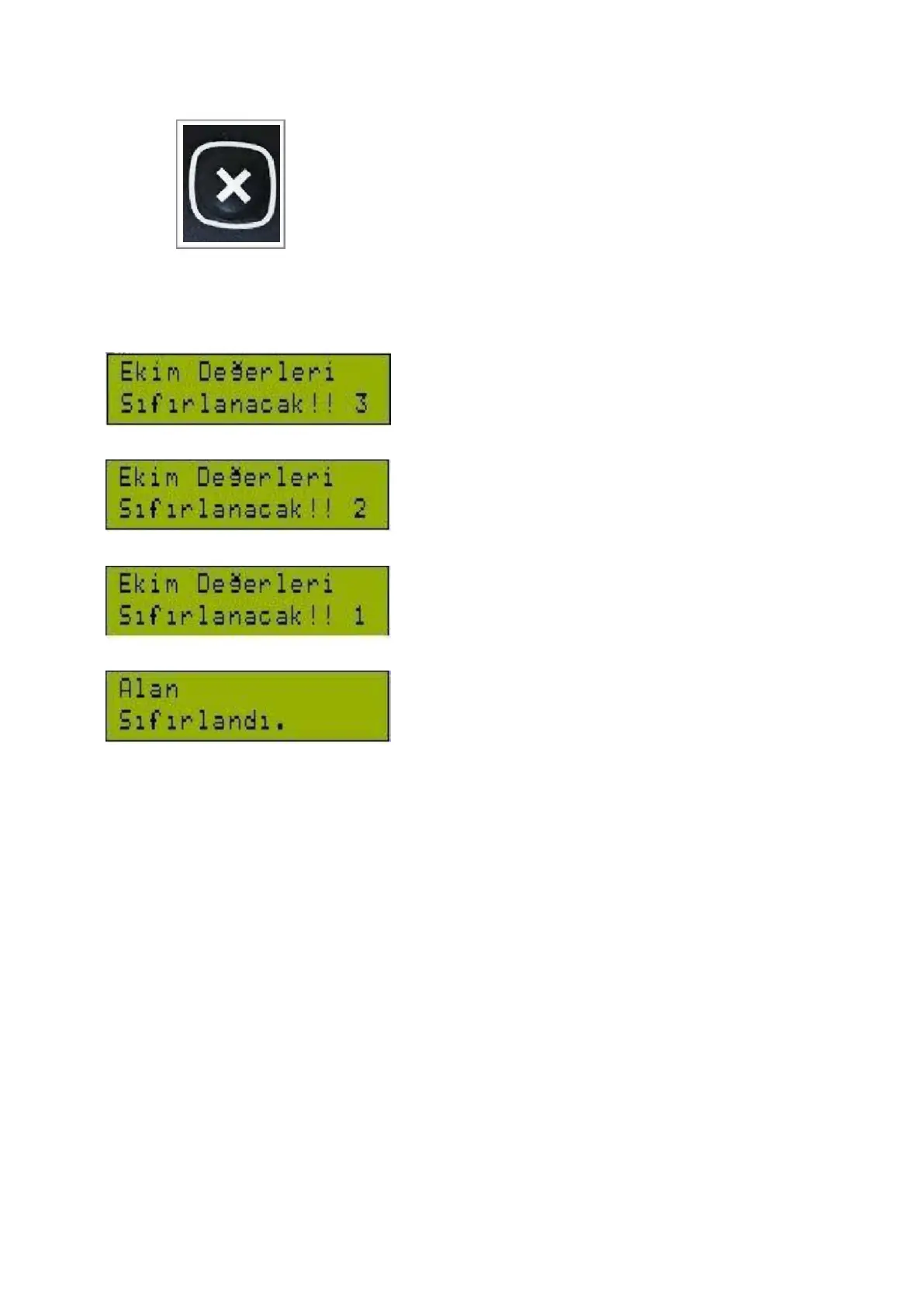
“Seeding values will be reset!” warning will be shown
and a 3-second countdown will start when the button is
hold.
The field data will be reset at the end of the countdown.



 To Next Page