WATCH MENUS
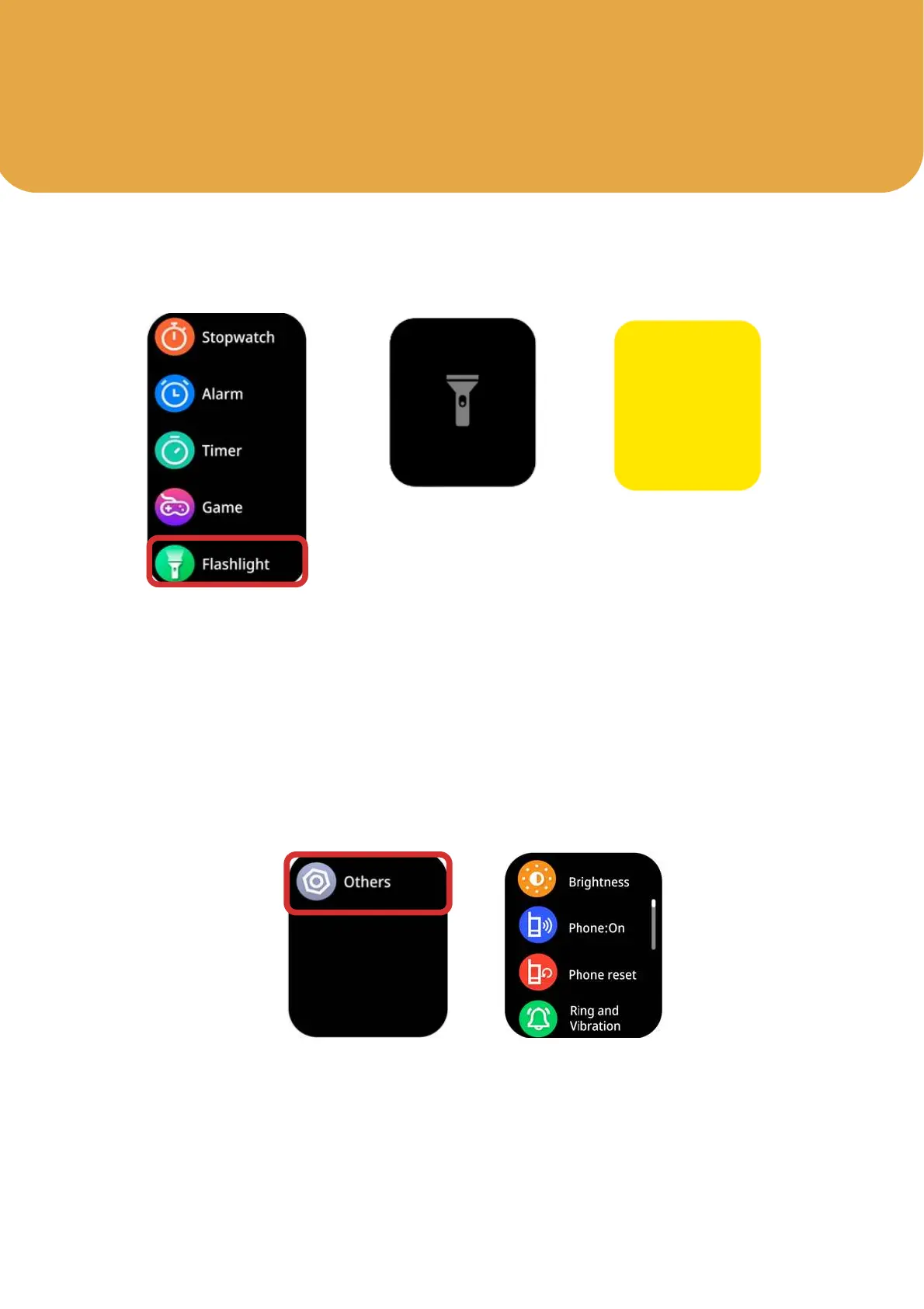
21. Flashlight
When you use this feature, the screen glows which can act
as a flashlight for you to find things.
Note - The yellow colour is used to differentiate the white background in the manual.
22. Settings
Adjust Brightness, Turn on/ off BT Calling temporarily, Reset
your Phone connection, Set Ring and Vibration settings, Turn
on/ off Vibration, DND Mode, Theater Mode, Change
Watchfaces, Reset Watch, Power off, Display QR code and
About your watch.


 To Next Page