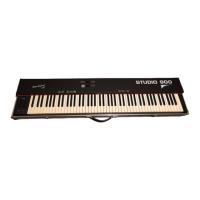
Welcome to the world of the Fatar Studio Series Keyboard Controllers.
Congratulations on purchasing the ST-490 Plus, one of the finest master keyboard
controllers in the world today. The Studio-490 Plus is the perfect choice for a
musician looking for a simple yet versatile keyboard controller to produce quality
results for the live or studio environment.
TECHNICAL CHARACTERISTICS:
* 49 keys
* One zone
* Velocity Sensitive
* Two Parallel MIDI Outputs
* Sustain Input Jack
*Volume Input Jack
* Program change, MIDI Channel, Transpose.
* External Adapter 9V DC 500mA included
CONNECTIONS:
1) Connect the AC adapter cable to the power input jack, in the back of the
controller, located next to the power switch. See Figure #1.
Make sure that the AC adapter corresponds to the correct voltage output. The
Studio 490 Plus will accept an adapter that has a rating of 9V DC with a positive
polarity tip and has a minimum current of 200 ma.
Figure #1.

 Need help?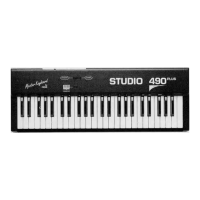

 To Next Page
 General