EasyManua.ls Logo

FATEK P5070N - Page 215

FATEK P5070N
224 pages
Print Icon
To Next Page IconTo Next Page
To Previous Page IconTo Previous Page
Loading...
215
IP
192.168.1.100
Port
801
PLC Station No.
1
Communication Method
ADS
2.13.1.2 Memory Resource Review
Device
Description
Data Bits
Address
Format
Min.
Max.
IX
Input
1
DDDDD.O
0.0
27484.7
QX
Output
1
DDDDD.O
0.0
27484.7
MX
Bit Memory
1
DDDDD.O
0.0
27484.7
IW
16
DDDDD
0
65534
QW
16
DDDDD
0
65534
MW
16
DDDDD
0
65534
ID
32
DDDDD
0
65532
QD
32
DDDDD
0
65532
MD
32
DDDDD
0
65532
2.13.1.3 Connecting to PLC
Configuring the PLC
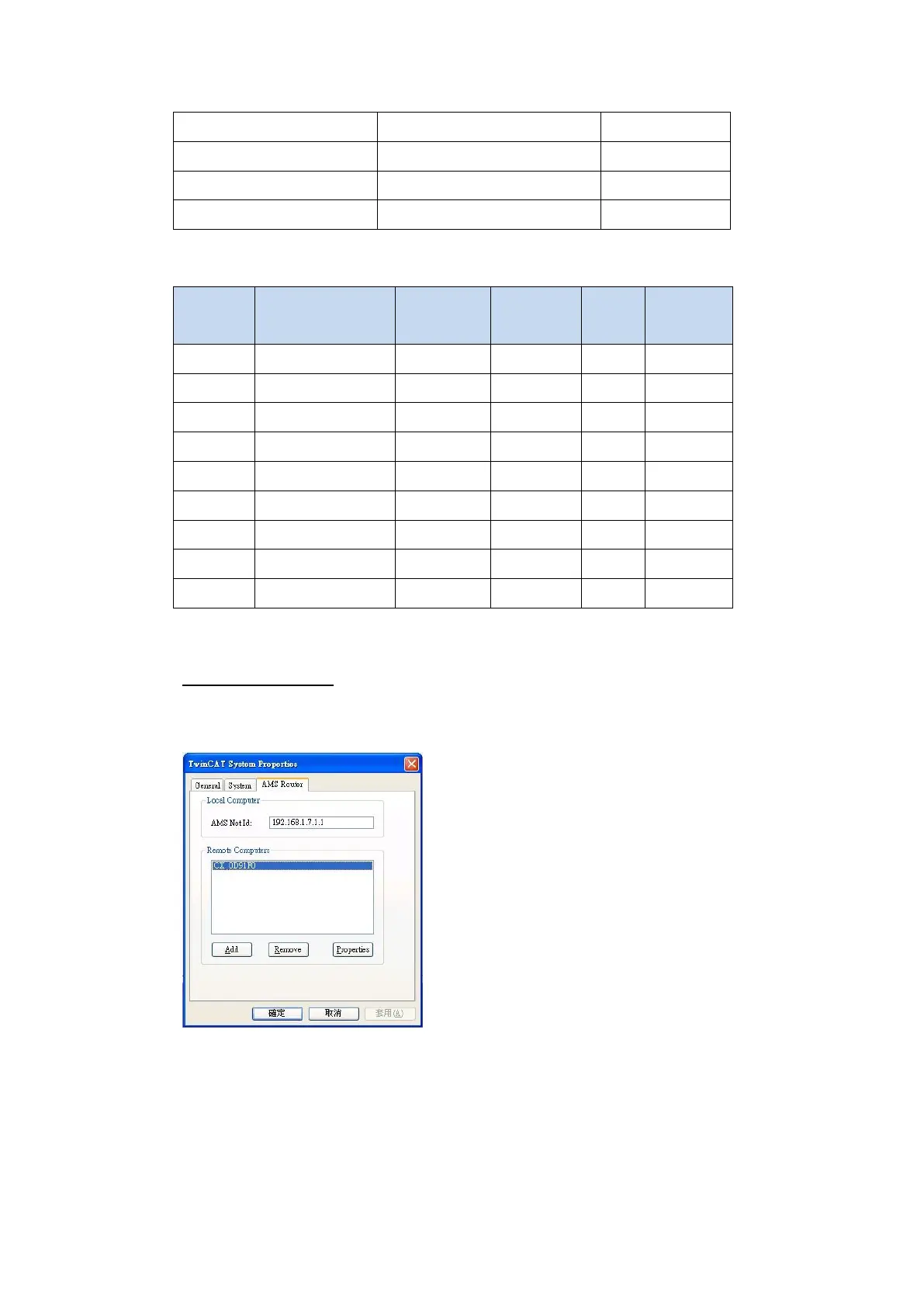
1. Set IP-Address connected with PC.
Open TwinCAT System Controlsetting IP-Address of plc in TwinCAT System Properties
Open TwinCAT system manager build Route Table to ensure whether connecting
success, if reopen plc, need to execute these steps.
Note: when connecting success, display’’x’’


Related product manuals