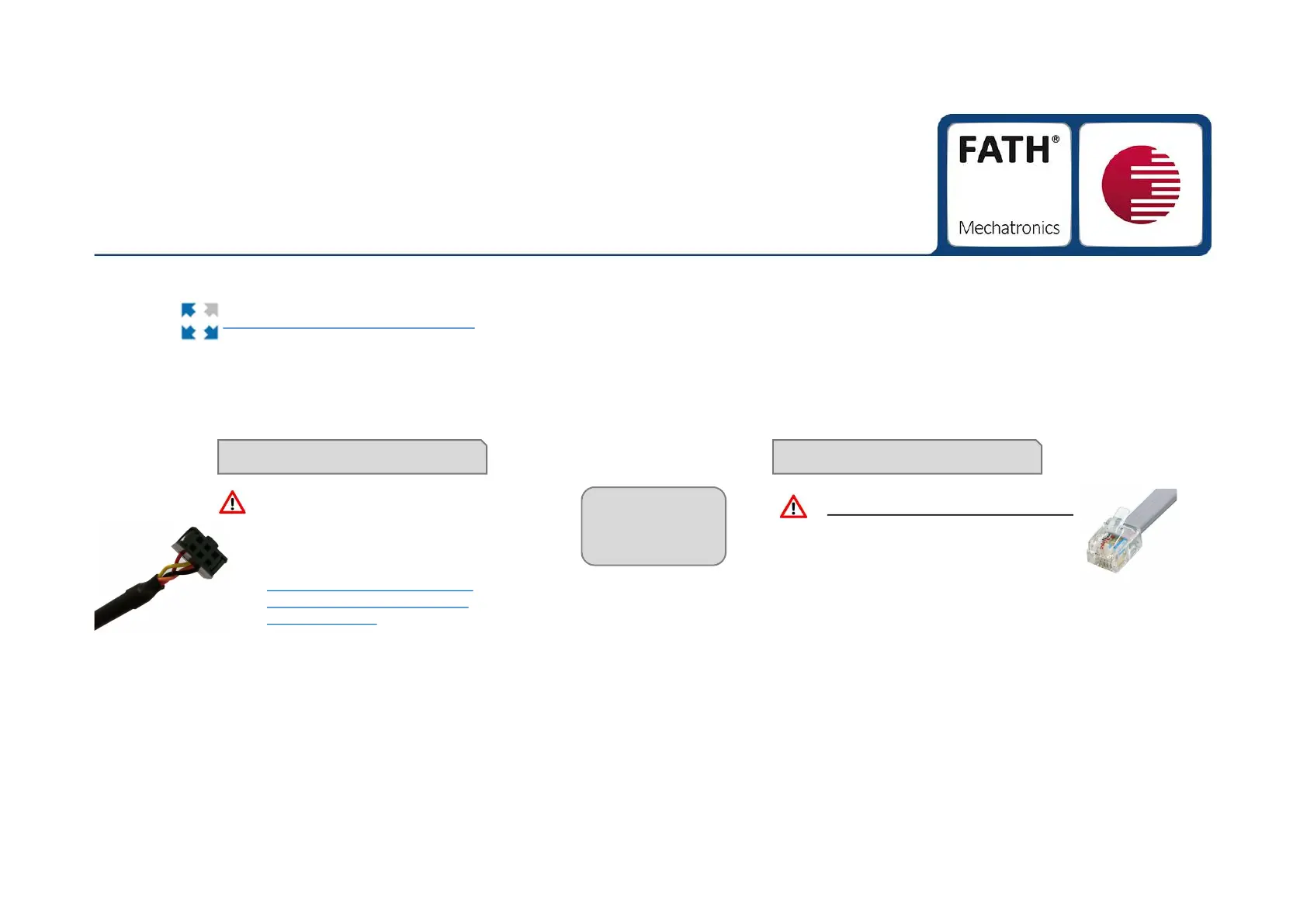
Connect via serial cable
1.
Download the »TANlock Explorer« at the following link:
08.08.2018 10
First Steps
2.
Connect your TANlock to your PC.
You have two options:
Connect via ethernet cable
https://crm.fath-mechatronics.de/~sXd8o
pay attention to firewall release!
• The TANlock may not yet be
implemented in the corporate
network because the TANlock is
delivered with a fixed IP-address
• Connect via PoE-Injector
or PoE-Switch
Pay attention to the correct
driver for the serial cable!
Never connect
both at the
same time!
Download the driver here:
http://www.ftdichip.com/Drivers/C
DM/CDM%20v2.12.28%20WHQ
L%20Certified.zip


 To Next Page