08.08.2018 13
8.
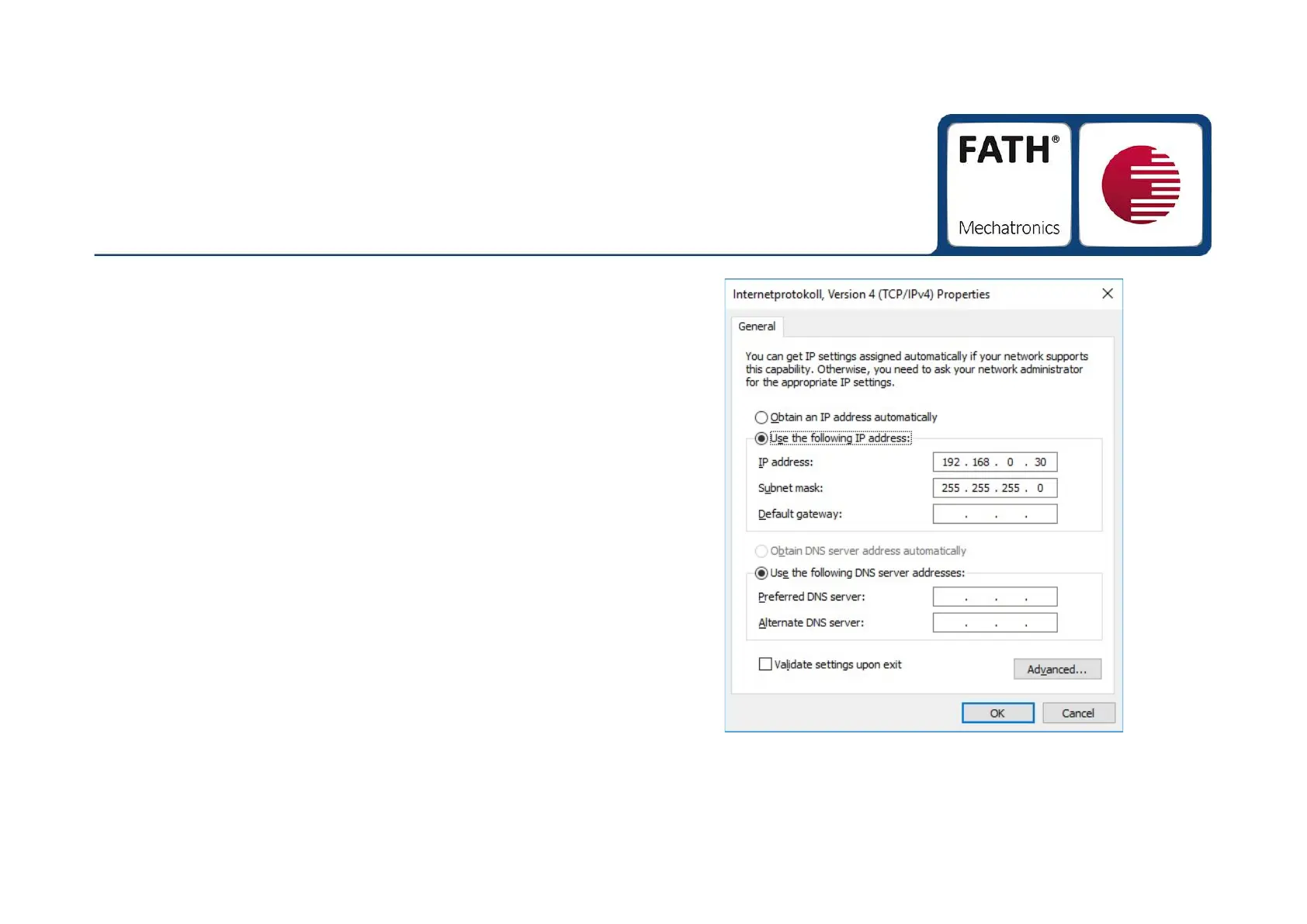
The window "Internet Protocol, Version 4 (TCP/IPv4) "
opens, see picture 3.
9.
Takeover the specified IP-address / Subnet mask, as
shown in picture 3.
10.
Acceot the setting with the "OK" button and close
all the opened windows.
Now you can connect to the TANlock via TANlock-Explorer.
Follow the instructions on page 15.
Network Settings
in conjunction with ethernet
Picture ③


 To Next Page