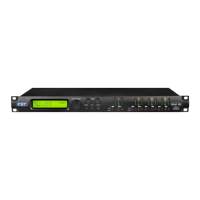
When the “2x3 WAY XOVER” is selected, the “System Setup” page will appear as follows:
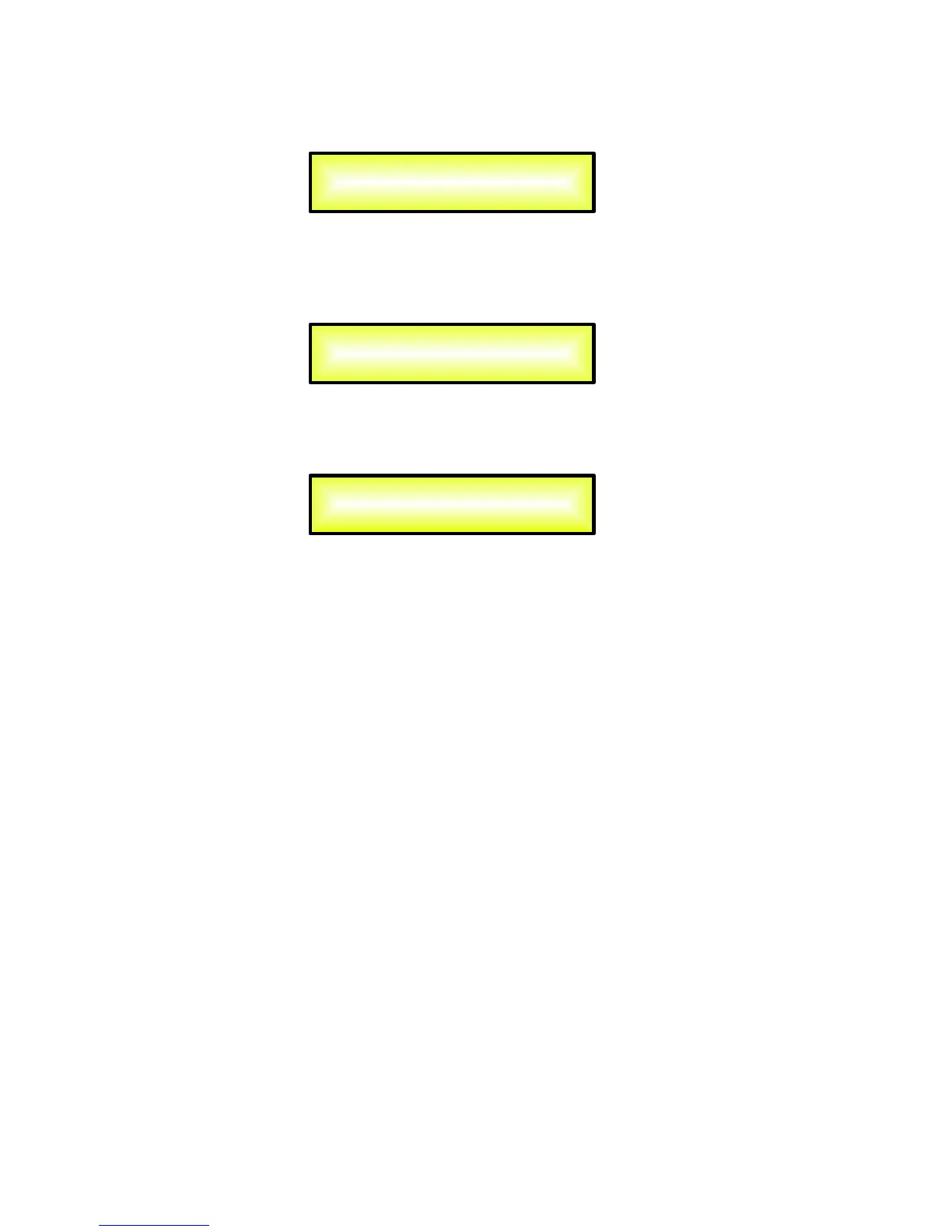
To change the desired operating mode for the DLM26, the screen must reflect the X-over
required and then simply pressing the “ENTER” button will bring up the following screen asking
for confirmation to load the selected operating setup:
If confirmed by pressing ENTER the selected preset mode will load. While the device is
configuring the Xover the following screen will be appear:
The new preset setup will now be shown with an asterisk.
If selected the “Custom Mode” within the System Mode page, the operating Mode can be
chosen from a selection of 3 options:
3 DCL........... in this operating mode, the DLM26 is performing a 2 Input to 3 “Full Band”
configuration, where the 3 available Outputs (Ch1/Ch3/Ch5) are mono output but each one
performing a 2 bands Rms Compressor and Peak Limiter, where the splitting frequency of the 2
bands can be custom selected:
− Outputs 1 [5 Bands Eq +2Bands Rms Compressor + 2 bands Peak Limiter]
− Outputs 3 [5 Bands Eq +2Bands Rms Compressor + 2 bands Peak Limiter]
− Outputs 5 [5 Bands Eq +2Bands Rms Compressor + 2 bands Peak Limiter]
− Outputs 2/4/6 [Muted]
2x2 DCL......... in this operating mode, the DLM26 is performing a 2 Input to 4 Outputs X-Over
configuration, where 2 of the available Outputs (Ch1/Ch3) are “Full Band” Mono output but
each one performing a 2 bands Rms Compressor and Peak Limiter, where the splitting
frequency of the 2 bands can be custom selected.
The Outputs of the Channels 5/6 are performing as in Standard Mode:
− Outputs 1 [5 Bands Eq +2Bands Rms Compressor + 2 bands Peak Limiter]
− Outputs 3 [5 Bands Eq +2Bands Rms Compressor + 2 bands Peak Limiter]
− Outputs 5/6 [ 5 Bands Eq +Rms Compressor + Peak Limiter]
− Outputs 2/4 [Muted]
New Xover
[ENTER] to confirm
Please Wait .....
Changing Xover
System Setup
Setup: 2x3 WAY XOVER *


 To Next Page
 Loading...