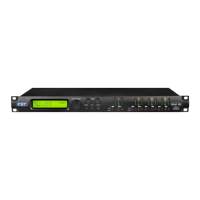
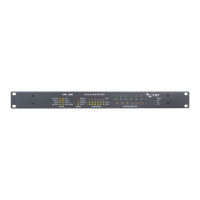
Program Utilities Sub-menu – this sub-menu allows you to access several options related to
the DLM26 operating mode and to manage the presets stored and recallable within the Unit:
By pressing the ENTER button and then using the “NAV/Param.1” encoder the following pages can
be accessed:
− Recall a Program: this page allows the Loading of a preset program. You can store up to 64
presets in the DLM26 memory:
By pressing ENTER and rotating the “Param.2” or “Param.3” encoders, it is possible to scroll
through all current available user presets.
If NO USER PRESETS are stored yet, the screen will show the following:
If presets have previously been stored by the user, anyone of them can be recalled:
By using the “Param.2” or “Param.3” encoder it is possible to scroll through the stored
presets. Once the desired preset appears on the screen select it by pressing the “ENTER”
button and this will force the DLM26 to begin to load this selected preset and the following
transitory screen will appear:
Once loaded the DLM26 will exit to the “Recall a Program” screen automatically and the above
screen will disappear:
Note: at any time it is possible to quit the recall action by pressing the “ESC” button.
Recall a Program
No Stored Xovers.
[ENTER] to Recall.
01: PRESET 1
Loading New Program ......
01: PRESET 1
PROGRAM UTILITY
-- Recall a Program --
UTILITY MENU
-- Program Utilities --
PROGRAM UTILITY
-- Recall a Program --


 To Next Page
 Loading...