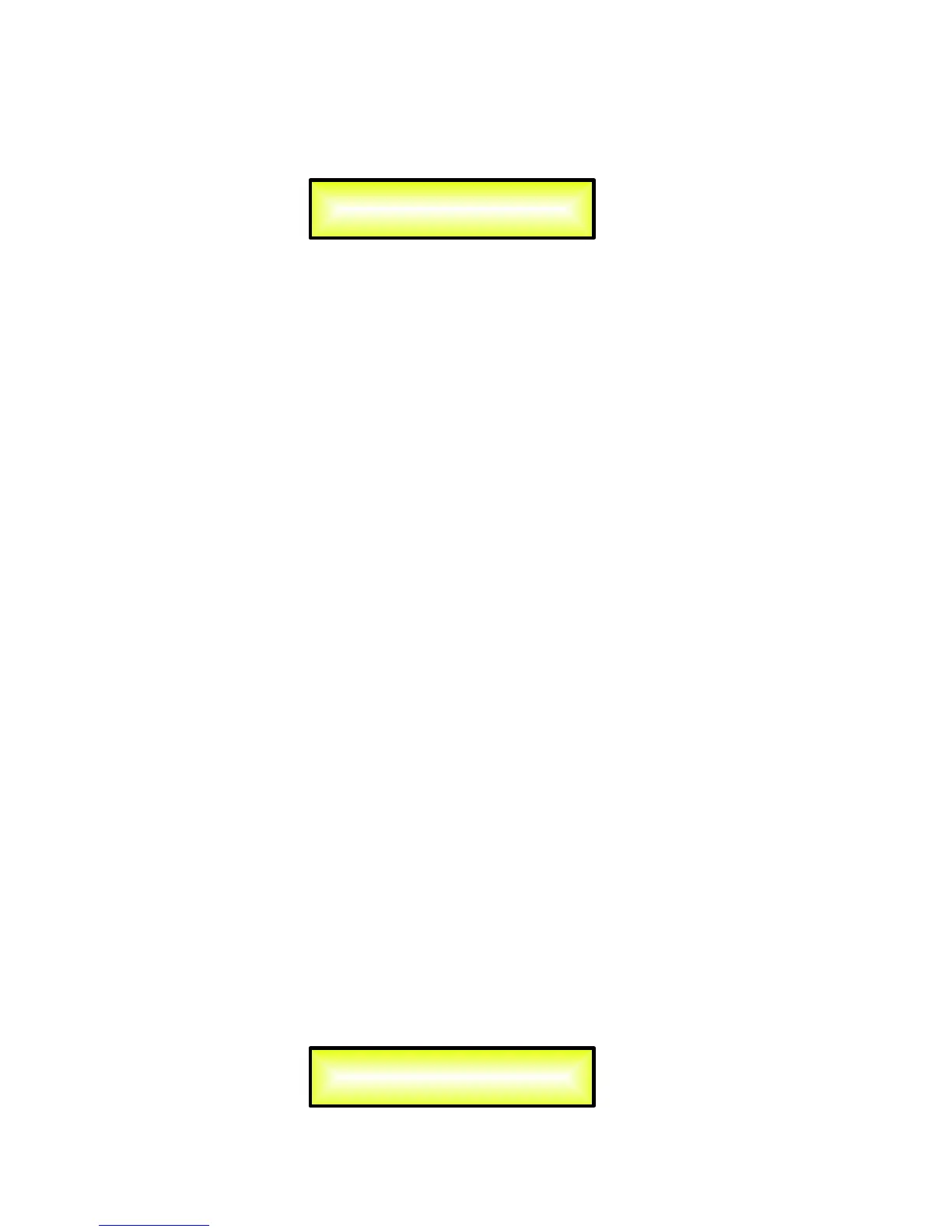
EQ Byp page – from this sub-menu it is possible to Bypass or to make active the 5 Bands
Equalizer placed on the Input Signal Path.
When Bypassed the 5 Bands Equalizer, its current setting will not be lost.
EQ: [x] sub-menu – from this sub-menu it is possible to set the Input Channels five available
Multi-Type Filters.
Anyone of the 5 filters of the Eq can be selected choosing from the following list of filter types:
1. Peaking_Eq: Peaking (Bell) filters, adjustable as Center Frequency, Gain and Q
The DLM26 Peaking filters are at constant Q, so with Q not depending from the selected Gain value.
2. Hi-Shelv_1: High Shelving filters of the 1
st
order.
These Shelving filter present 3dB less than the selected Gain, or 3dB more than the selected Attenuation, at the
selected cutting frequency, and a slope of 6dB/Oct.
3. Hi-Shelv_2: High Shelving filters of the 2
nd
order.
These Shelving filters present 3dB less than the selected Gain, or 3dB more than the selected Attenuation, at the
selected cutting frequency, and a slope of 12dB/Oct.
4. Hi-Shelv_Q: Symmetrical High Shelving filters with Variable Q.
These Shelving filters present ½ level of the selected Gain/Attenuation at the selected cutting frequency, and a
slope that is depending from the chosen Q value.
5. Lo-Shelv_1: Low Shelving filters of the 1
st
order.
These Shelving filters present 3dB less than the selected Gain, or 3dB more than the selected Attenuation, at the
selected cutting frequency, and a slope of 6dB/Oct.
6. Lo-Shelv_2: Low Shelving filter of the 2
nd
order.
These Shelving filters present 3dB less than the selected Gain, or 3dB more than the selected Attenuation, at the
selected cutting frequency, and a slope of 12dB/Oct.
7. Lo-Shelv_Q: Symmetrical Low Shelving filters with Variable Q.
These Shelving filters present ½ level of the selected Gain/Attenuation at the selected cutting frequency, and a
slope that is depending from the chosen Q value.
8. Low Pass_1: Low Pass filters of the 1
st
order, with -3dB attenuation at the cutting frequency and a slope of
6dB/Oct.
9. Low Pass_2: Low Pass filters of the 2
nd
order, with -3dB attenuation at the cutting frequency and a slope of
12dB/Oct.
10. Low Pass_Q: Low Pass filters with Variable Q.
11. High Pass_1: High Pass filters of the 1
st
order, with -3dB attenuation at the cutting frequency and a slope of
6dB/Oct.
12. High Pass_2: High Pass filters of the 2
nd
order, with -3dB attenuation at the cutting frequency and a slope of
12dB/Oct.
13. High Pass_Q: High Pass filters with Variable Q.
14. All Pass_1: Filters allowing a FLAT Amplitude response and adding a 90 Degree Phase rotation at the selected
Frequency.
15. All Pass_2: Filters allowing a FLAT Amplitude response and adding a 180 Degree Phase rotation at the selected
Frequency.
16. Band Pass: Filters allowing to pass the band “around” the selected frequency.
The amount of passing band is decided by the Q value
17. Notch Filt: Filters canceling the band “around” the selected frequency.
The amount of canceled band is decided by the Q value
More, the DLM26 Is giving the possibility to “Bypass” any single filter of the 5 available in the Equalizer
section; Once in the editing page of the single filter, a “Byp” field is available for making the single filter
active or not
Input-A EQ-X
Byp=Off Type=Peaking_Eq
Input-A EQ Byp
Eq Bypass = Off


 To Next Page
 Loading...