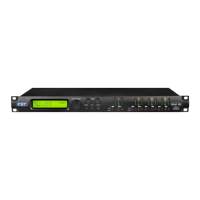
In the previous example, rotating Clockwise the NAV/Param.1 encoder, we can access the Filt1
(Cell1) and Filt2 (Cell2) pages, for the Cells Low Cut Frequency and Q settings.
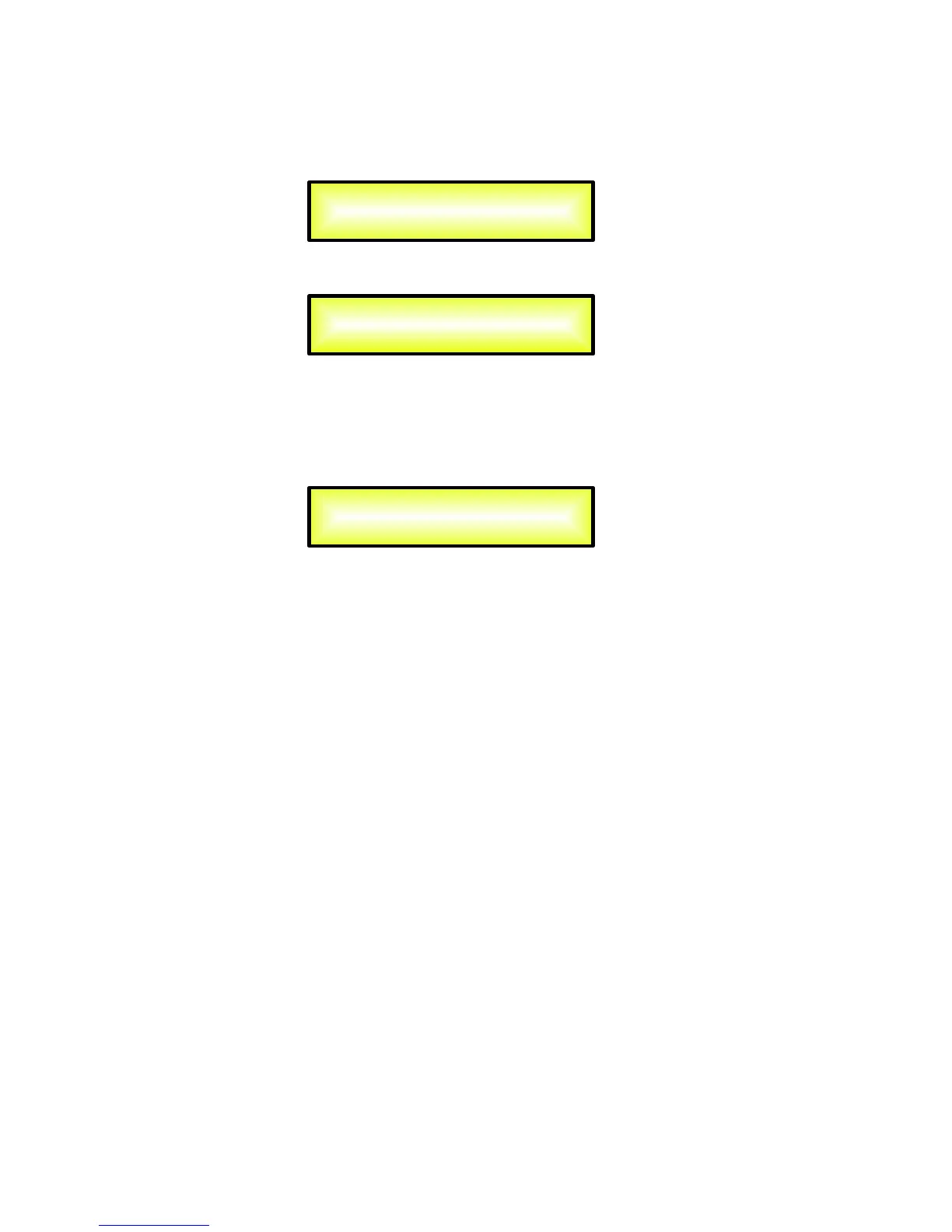
When within the Filt1 editing Page, in example:
And we can chose a different setting within the Filt2 page:
The filter's Frequency can be set already within these editing pages using the Param.2 encoder,
but here is for Frequency “fine tuning” being the Frequency increment/decrement done by 1Hz
steps.
For a quick Low Cut Frequency setting, need to press the ENTER Button for accessing the Low
Cut Frequency Fast Setting Page.
“Low Cut Frequency”: the selectable frequencies range is from 20Hz to 20kHz.
Here, the NAV/Param.1” encoder will increment/decrement the Frequency value by step of one
thousand Hz, the Param.2 by steps of one hundred Hz and the Param.3 by steps of one Hz.
Out-1 High HPF
->Edit Freq = 400Hz
Out-1 High HPF
->Filt1 F = 400Hz Q = 0.7
Out-1 High HPF
->Filt2 F = 400Hz Q = 1.5


 To Next Page
 Loading...