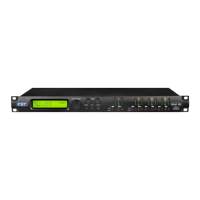
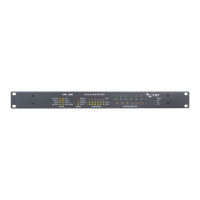
MENU “UTILITY MENU” [Access by pushing the “UTILITY” button]
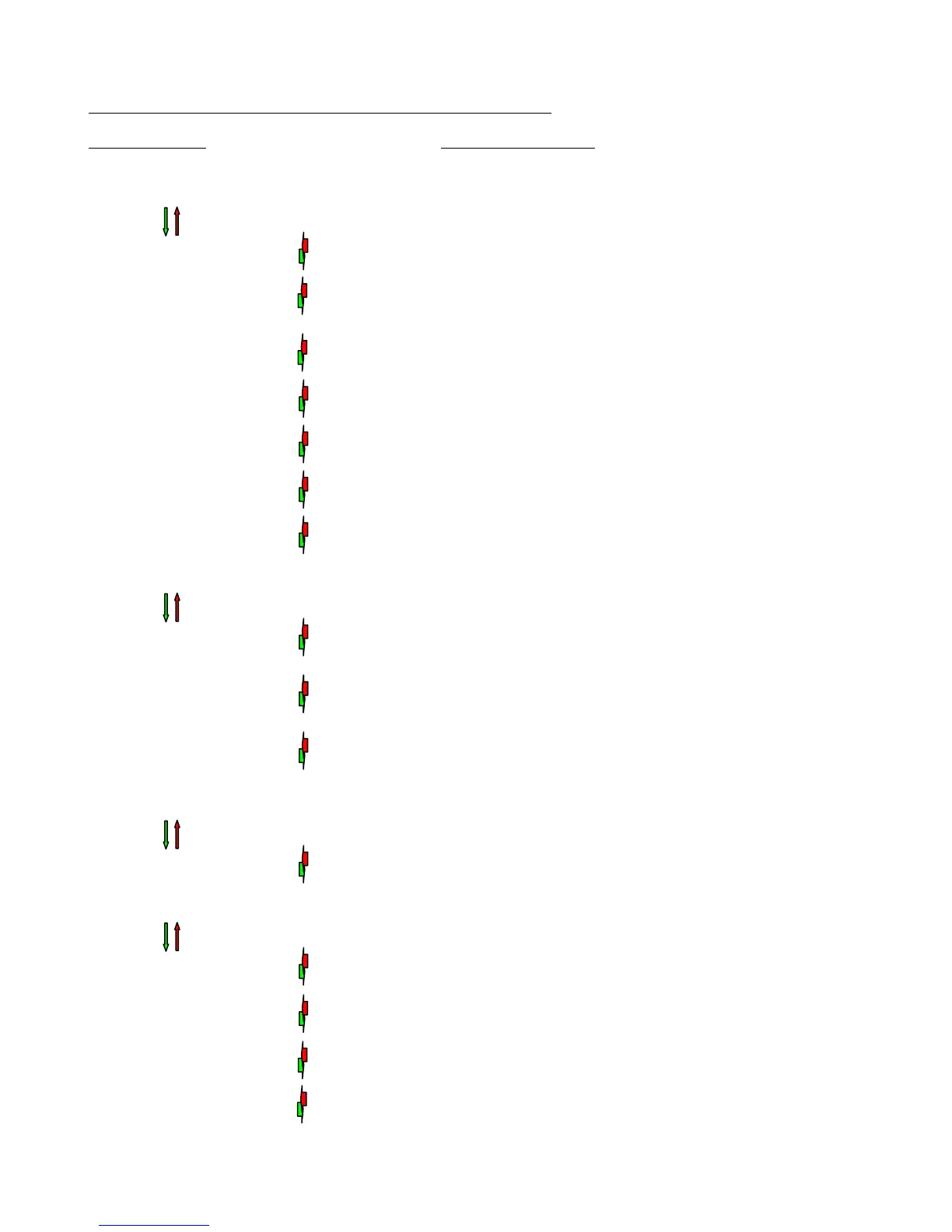
NAV/Param.1 Encoder Param.2 or Param.3 Encoder
[to navigate between menus] [to chose option, then ENTER to load it;
(*) indicates the selected option]
1 UTILITY MENU:......
<< System Utilities >>
1.1 SYSTEM UTILITY: System Mode
<< System Mode >> Mode: Standard *
Mode: Custom
1.2 SYSTEM UTILITY: System Setup [Standard Mode] System Setup [Custom Mode]
<< System Setup >> Setup: 2x2 WA+ SUB * Setup: 3 DCL *
Setup: 2x3 WAY XOVER Setup: 2x2 DCL
Setup: 6 WAY XOVER Setup: 4+1 DCL
1.3 SYSTEM UTILITY: Input Routing
<< Input Routing >> Source: Analog *
Source: Digital
1.4 SYSTEM UTILITY: Power-On Procedure
<< Power-On Procedure >> Fade-In: On *
Fade-In: Off
1.5 SYSTEM UTILITY: Delay Units
<< Delay Units >> Unit: Time(ms) *
Unit: Distance (m)
1.6 SYSTEM UTILITY: Ramps on changes
<< Ramps on changes >> Ramps: Off *
Ramps: On
1.7 SYSTEM UTILITY: Software Version
<< Software Version >> Version: V1.01 *
2 UTILITY MENU:......
<< Program Utilities >>
2.1 PROGRAM UTILITY: Recall a Program
<< Recall a Program >> 01: Preset 01
: :
64: Preset 24
2.2 PROGRAM UTILITY: Save a Program
<< Save a Program >> 01: Preset 01
: :
64: Preset 24
2.3 PROGRAM UTILITY: Delete a Program
<< Delete a Program >> 01: Preset 01
: :
64: Preset 24
3 UTILITY MENU:......
<< Interface Utilities >>
3.1 INTERFACE UTILITY: Interface Setup
Interface Setup Source: USB
Source: RS485 *
4 UTILITY MENU:......
<< Security Utilities >>
4.1 SECURITY UTILITY: Parameter will
Show Parameter be shown *
not be shown
4.2 SECURITY UTILITY: Lock Unit
Lock Unit Lock: Off *
Lock: On
4.3 SECURITY UTILITY: User Password
User Password [ ]
4.4 SECURITY UTILITY: Enable Password (For the details about the Password Setting/Enable
Enable Password Password: Enable and Unit Lock, , refer to the “Utility Menus Use”
Password: Disable * Section)
ENTER
ESC
ENTER
ESC
EN
TE
R
ES
C
EN
TE
R
ES
C
EN
TE
R
ES
C
EN
TE
R
ES
C
EN
TE
R
ES
C
ENTER
ESC
EN
TE
R
ES
C
EN
TE
R
ES
C
EN
TE
R
ES
C
EN
TE
R
ES
C
EN
TE
R
ES
C
EN
TE
R
ES
C
ENTER
ESC
EN
TE
R
ES
C
EN
TE
R
ES
C
EN
TE
R
ES
C
EN
TE
R
ES
C
EN
TE
R
ES
C


 To Next Page
 Loading...