EN
05
GETTING STARTED
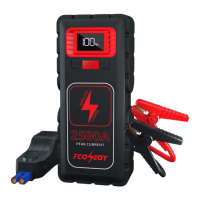
Charging the jump starter:
1. Connect the jump starter and the power source via the USB C cable.
2. Short press the ON/OFF button to turn on the product. While charging the jump starter, the LED Display Screen
will show the percent power increased. Once it is fully charged, the LED Display Screen will show 100%.
3. Unplug the cable when no charge is required.
NOTE:
▪ When using product for the first time, please make sure that the jump starter is fully charged.
▪ Please use the provided USB C cable to charge the product.
▪ Wall adapter is not included in the package.
Charging your USB devices:
1. Connect the product and your iPhone, smart phones or other electronic devices via USB cable.
2. Press the ON/OFF button to turn on the car jump starter.
3. Unplug the cable when no charge is required
support@fconegy.cn


 To Next Page