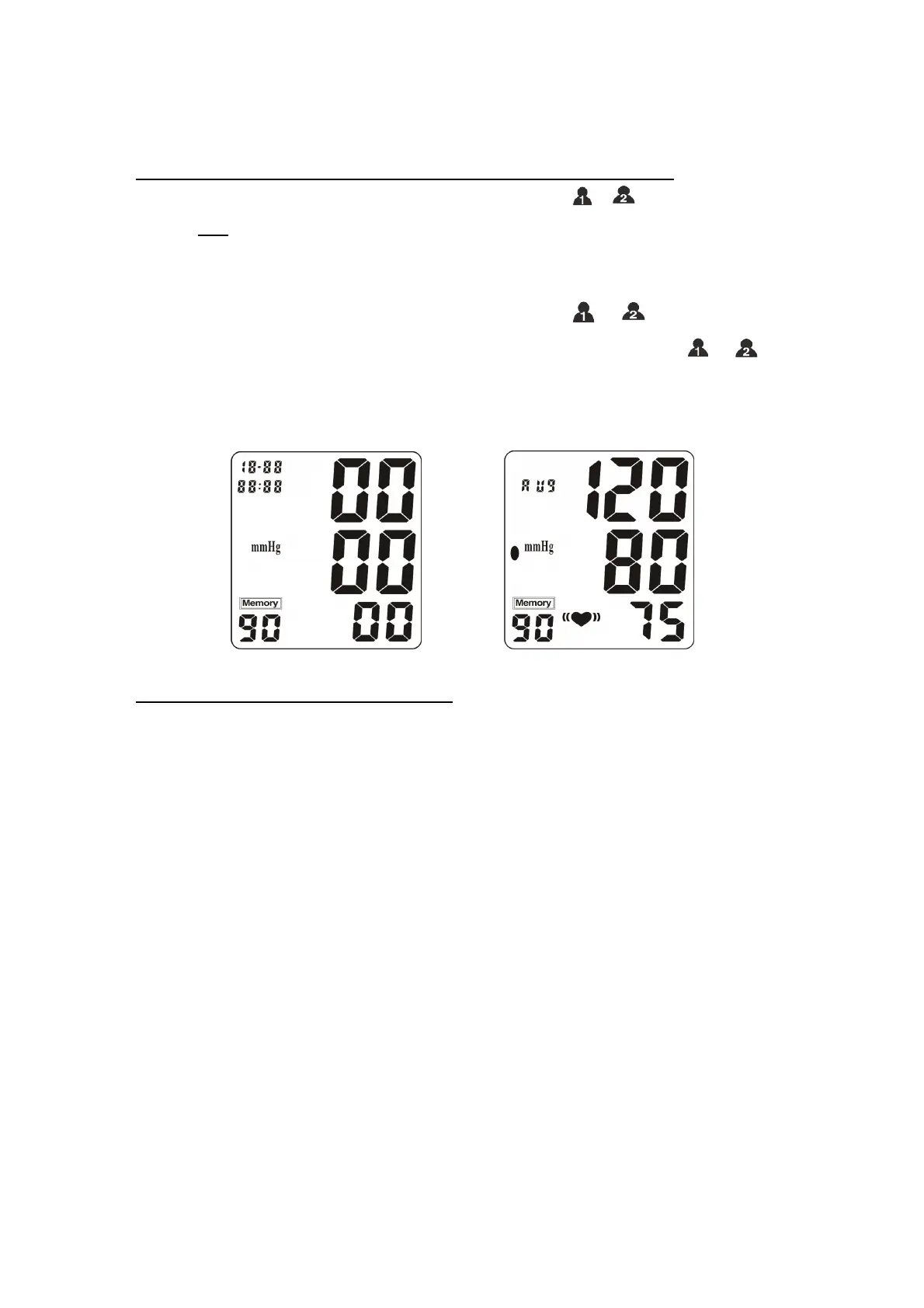
READING AN AVERAGE OF THE LATEST THREE MEASUREMENTS (AVg)
★ When the monitor is turned off, press and release the “ or ” button. LCD will
display “AVg” in the upper corner of the LCD Display. The result that is first displayed and
the result that is first announced – if in “TALKING” mode – is the average of your latest
three measurements.
★ To review the results that are in memory – PRESS the “ or ” button to scroll
through previous measurements. Each time you press and release the “ or ”
button the next oldest result will be displayed. If the “TALKING” function is turned “ON”
each result will be verbally announced,
Figure 8 Figure 9
2-PERSON MEASUREMENT SETTING FUNCTION
This model has 2-Person memory banks and 90 memories storage for each. Press and
release ‘SET’ button can prompt to P1 (Person 1) or P2 (Person 2) as your ID to access
the measurement for the first time operation when the device is turned off. Each time,
before taking measurement or check memory from the storage, please be sure you have
advanced to the correct ID (P1 or P2) which you already set forth prior to turning on the
device.
Assessing High Blood Pressure for Adults
The follow standards for assessing high blood pressure (without regard to age or gender)
have been established as a guide line according to WHO (World Health Organization)
standard. See Figure 10. Please note that other risk factors (e.g. diabetes, obesity,
smoking, etc.) need to be taken into consideration and may affect these figures. Consult
with your physician for accurate assessment.


 To Next Page
 Loading...