Chapter One: Setting Up FSMS
FedEx Ship Manager
®
Server User Guide, Version 7.6 33
Upgrading from a Previous Version of FSMS
1. Insert the FSMS software CD in your CD drive, and select Run from the Windows Start menu.
2. Click the Browse button on the Run window to locate the FSMS install directory. The directory path
is: FXRS0XXX/Install_FXRS0XXX (“XXX indicates the software version; for example: FXRS0720).
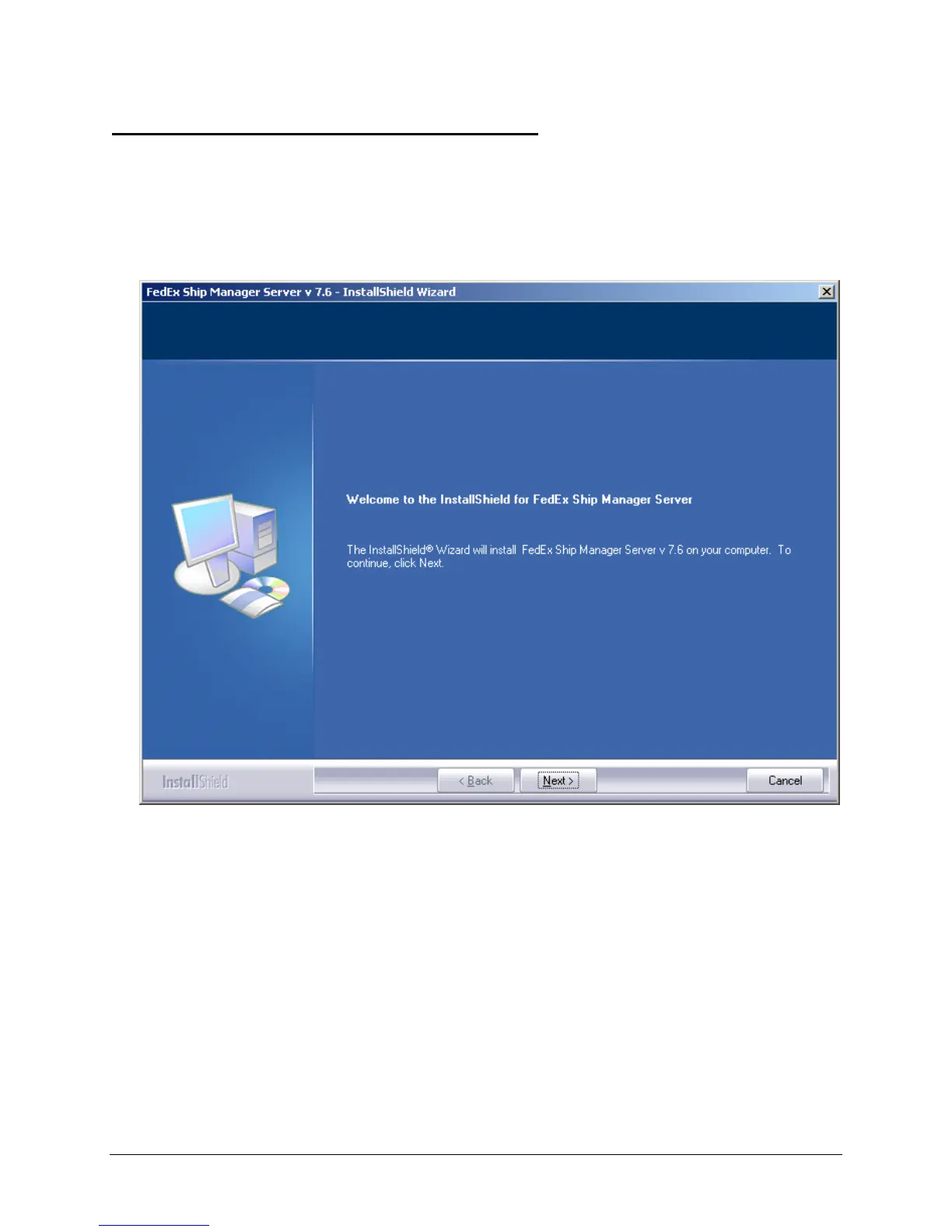
3. Double click the Setup icon. Click OK in the Run window to start the FSMS installation program. The
FSMS Installation Welcome window is displayed.
4. Click Next to start the upgrade process.



 To Next Page