Chapter One: Setting Up FSMS
FedEx Ship Manager
®
Server User Guide, Version 7.6 35
Uninstalling FSMS v 7.6
Completely uninstalling FSMS v 7.6 will require two uninstalls: the uninstall of FSMS and the uninstall of
SQL Anywhere Studio 9, the FSMS database.
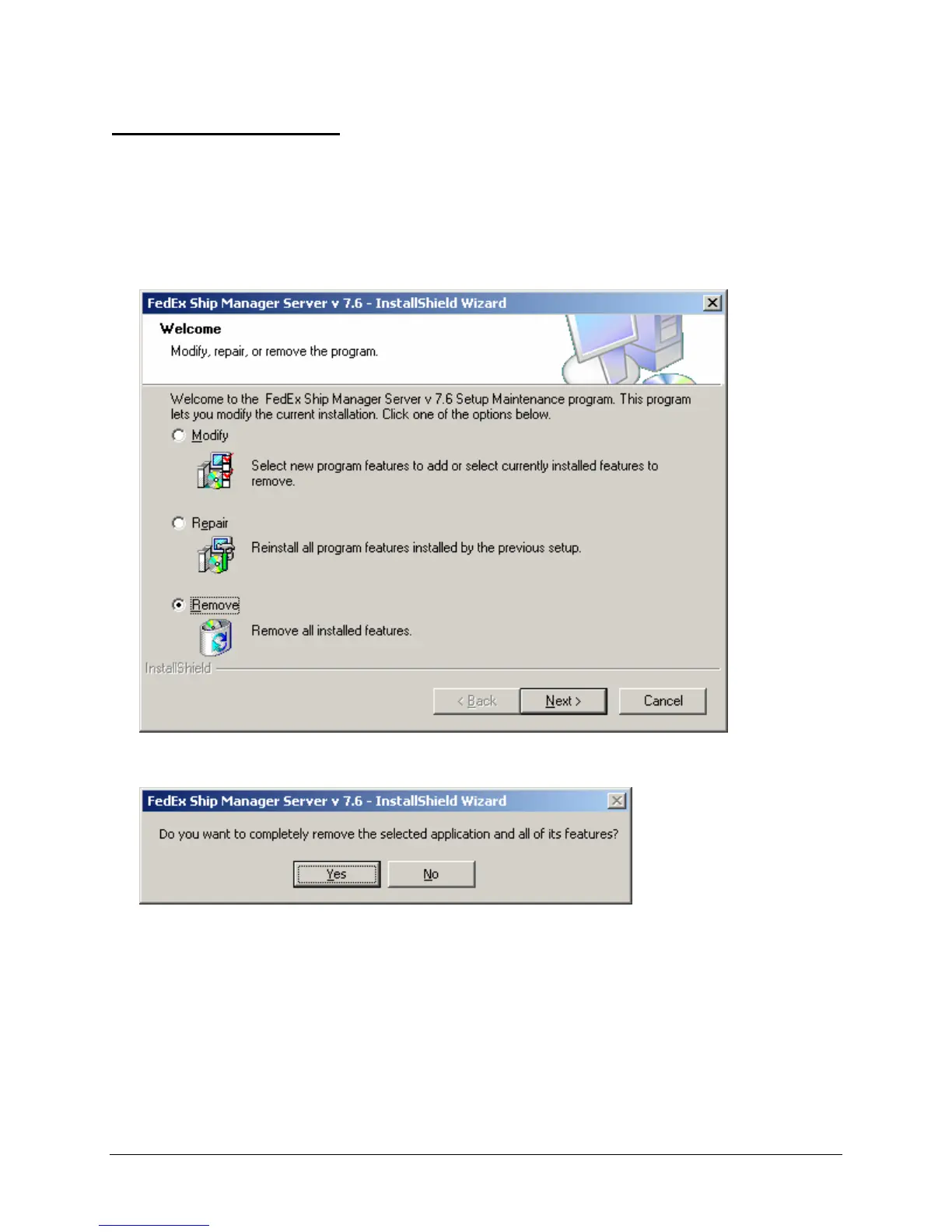
1. To uninstall FSMS v 7.6, use the Windows uninstaller accessed from the Control Panel menu.
2. Select FSMS from the Programs menu.
3. Select Remove.
4. Click Yes to remove FSMS.
5. Click Finish to complete the uninstall and to reboot the server.



 To Next Page