Chapter One: Setting Up FSMS
58 FedEx Ship Manager
®
Server User Guide, Version 7.6
NOTE:
If you configure a Custom Doc-Tab value, you must provide the corresponding data to be
printed on the Doc-Tab label. Otherwise, the heading field you entered will print on the label
with no corresponding data.
5. Before you save your entries in the Doc-Tab Settings window, you may click Copy To All Meters to
copy your Doc-Tab configuration to all meters configured on your server.
6. To save your input, click OK.
Ground Doc-Tab Configuration
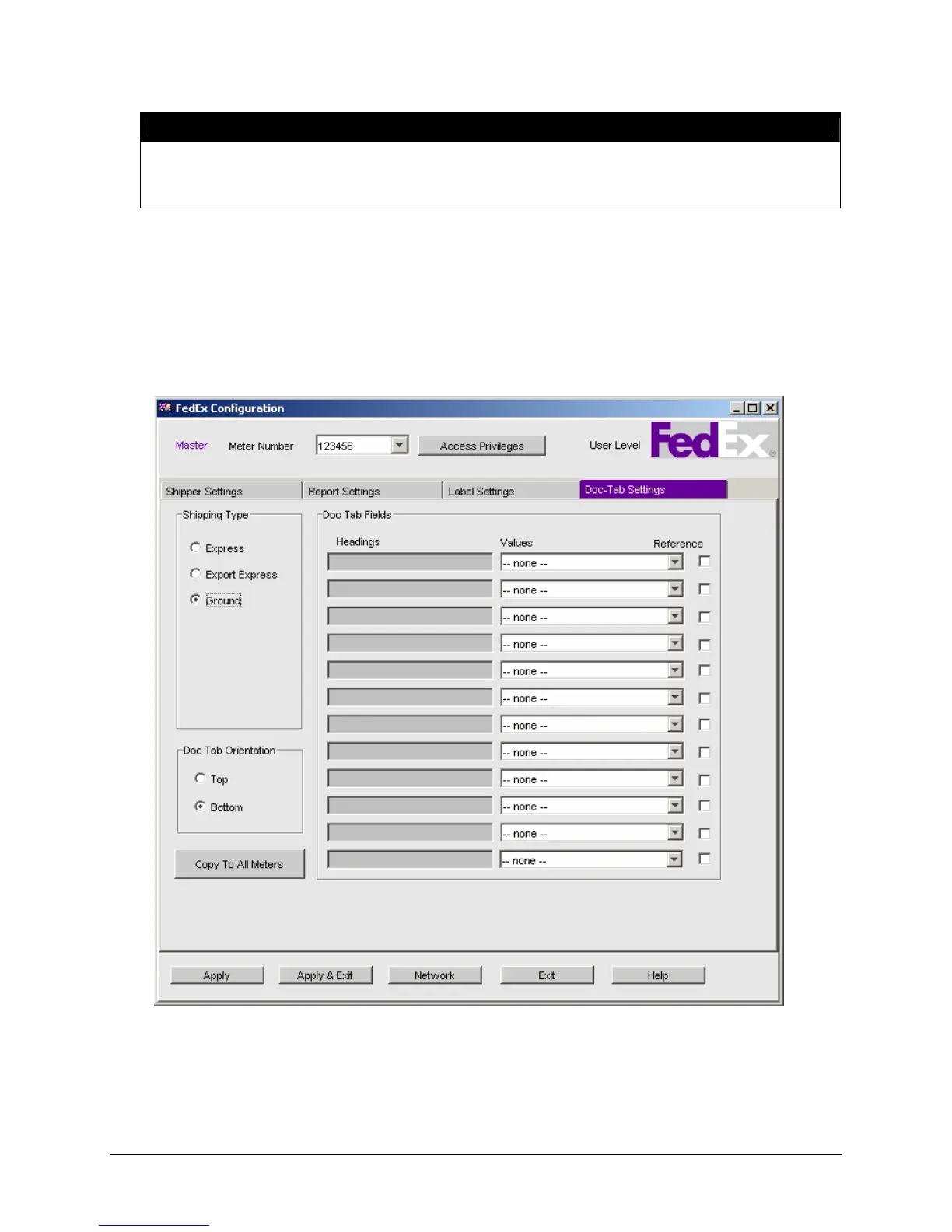
To configure Ground Doc-Tabs, click the Doc-Tab Settings tab to display the following window:



 To Next Page