Chapter One: Setting Up FSMS
FedEx Ship Manager
®
Server User Guide, Version 7.6 65
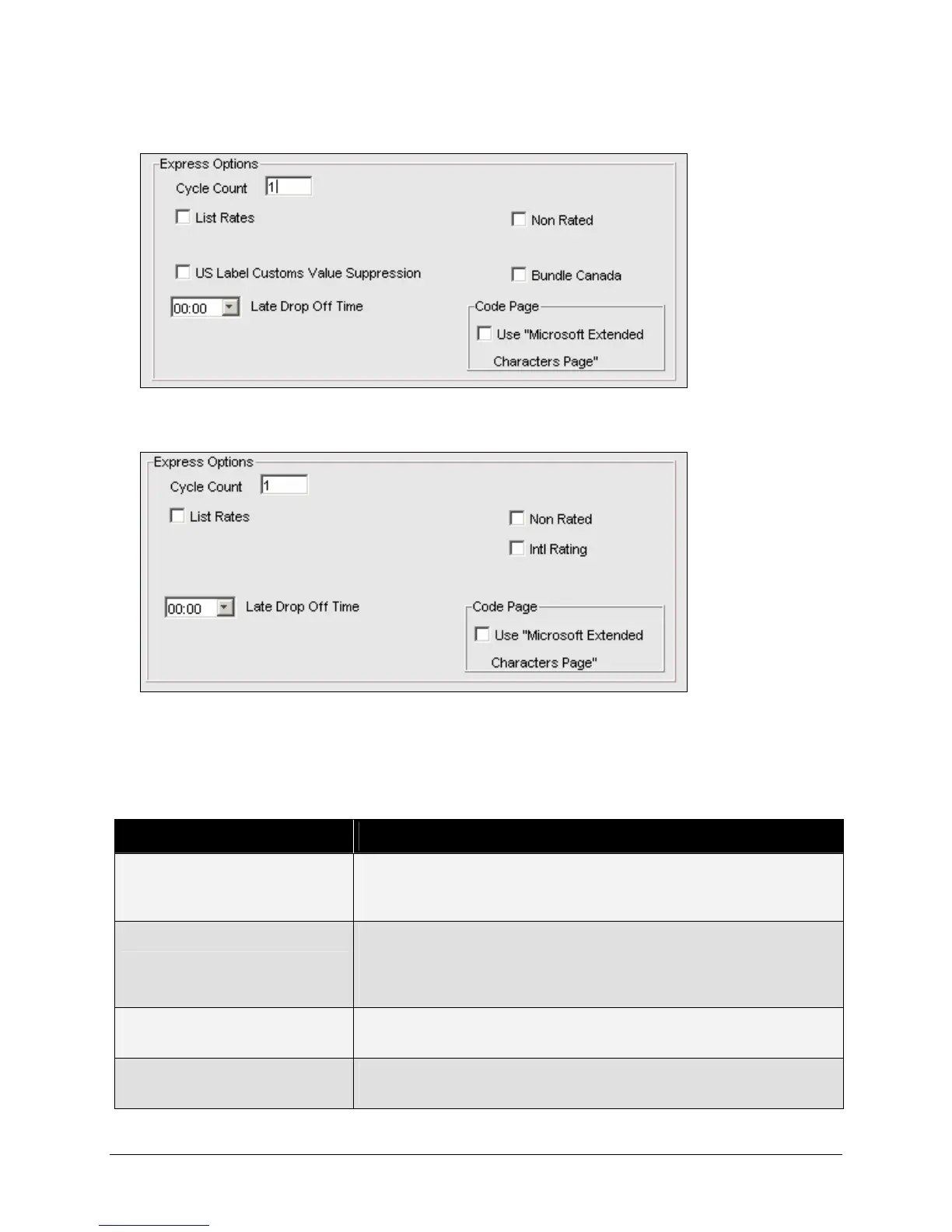
The following Express Options section of the Meter Settings window appears for CA origin:
The following Express Options section of the Meter Settings window appears for non-U.S. or CA origin:
Although you cannot make changes to the Meter Settings tab without the assistance of FedEx Customer
Support, provided below is a description of each field to help you understand how your system is
configured.
Express Options:
Field Name Description
Cycle Count Displays the current invoicing cycle count. This number is
incremented after each Close and is transmitted to the FedEx
revenue systems after the Close process is complete.
No Upload/No Ship (NUNS) If this option is checked, the system will not allow shipping to
continue if revenue files have not been uploaded for 72 hours. For
more information regarding NUNS, please see Chapter Four: FSMS
Revenue Management in this User Guide.
List Rates If List Rates is checked, List Rates are available for the meter(s) on
your server. U.S. origins only.
Non Rated If Non Rated is selected, FSMS will not a rate download Express
rates.


 To Next Page
 Loading...