Guilin Feiyu Technology Incorporated Company.
http://www.feiyu-tech.com uavservice@feiyu-tech.com
Page 21
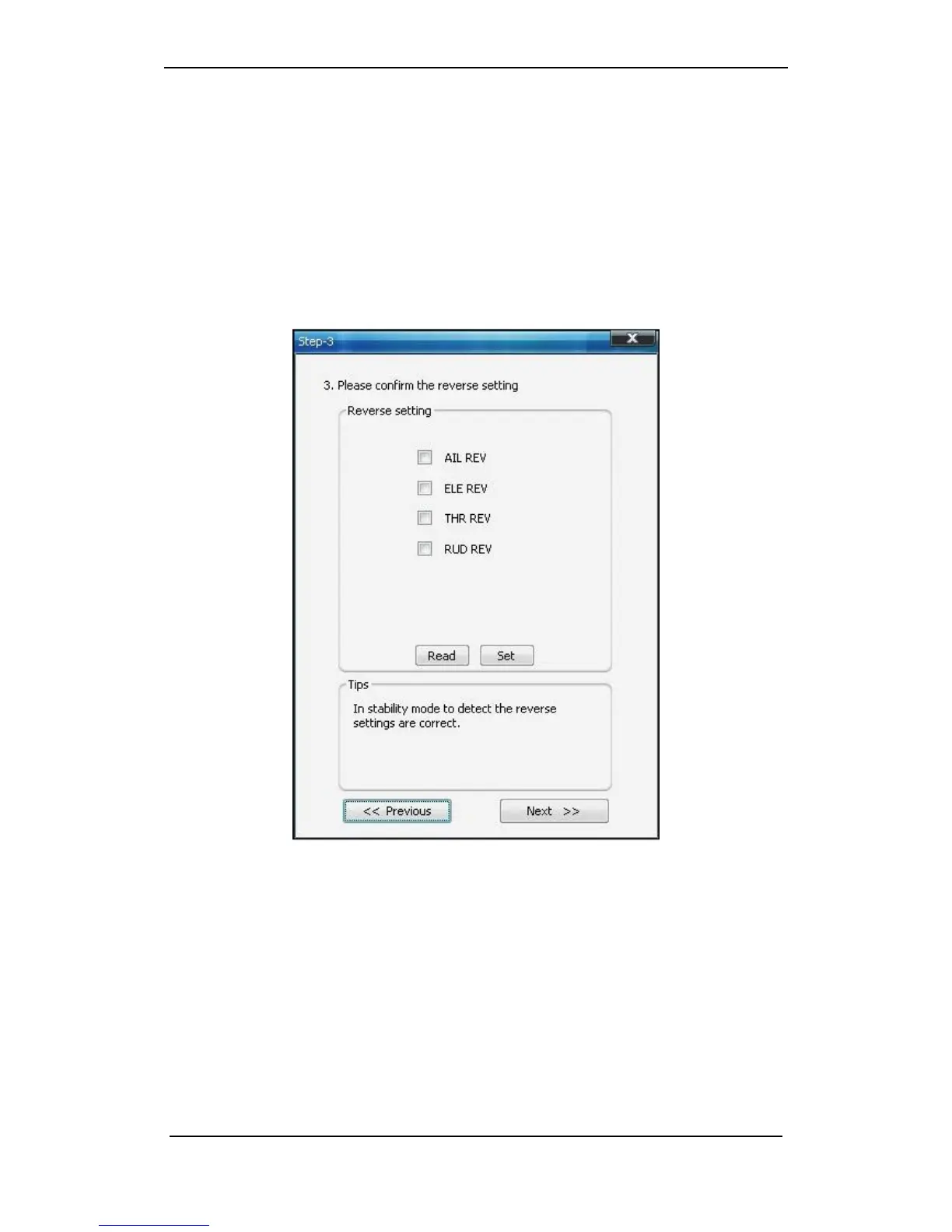
Method one: Setting FY-41AP Lite via remote control and OSD overlay menu
In the OSD menu, you can change the direction of the rudder control via the “REV”
list of the “Servo Gain REV” option.
Method two: Setting FY-41AP Lite via “FYGCS 5.11 for 41&DOS”
Software
( 1 ) AILERON (Check in "Auto Balance Mode" )
RIGHT Roll the plane, the right aileron should automatically move downwards, while
the left aileron move up.
LEFT Roll the plane, the left aileron should automatically move downwards, while the
right aileron should move up.
If the servo movement is incorrect, you need to reverse the automated servo
movement, please select “AIL REV”.


 To Next Page