LED BRIGHTNESS ADJUSTMENT
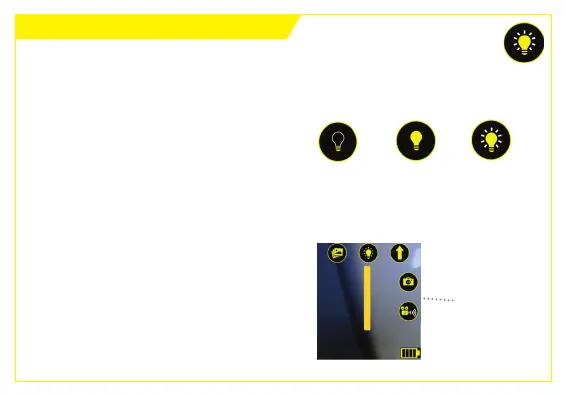
1. Tap the LED Brightness Adjustment
buon to change brightness to one
of the three sengs:
The LED brightness of your Ferret camera can be adjusted in 2 ways:
OFF NORMAL FULL
2. Press and hold the LED Brightness
Adjustment buon. A slider appears
below the buon which you can slide
up or down to adjust LED brightness.
LED Brightness
Slider



 To Next Page