2
Connect to your Ferret Camera
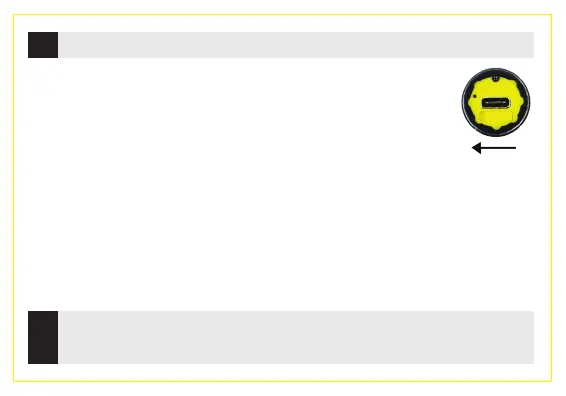
Turn on your Ferret camera. The camera power switch is at the
back of the camera under the back cap. The camera will take
about 2 seconds to boot and power on.
NOTE: The camera is IP67 rated only when the back cap is in place.
On your phone or tablet, turn on WiFi and search for the Ferret-WiFi-XXXX
SSID in the WiFi list. The Ferret camera has a built in WiFi hotspot, so no other
WiFi network is needed.
NOTE: The camera will not link via Bluetooth – it is WiFi only.
3
Enjoy using your Ferret Camera and start saving me & money,
working safer & smarter.



 To Next Page