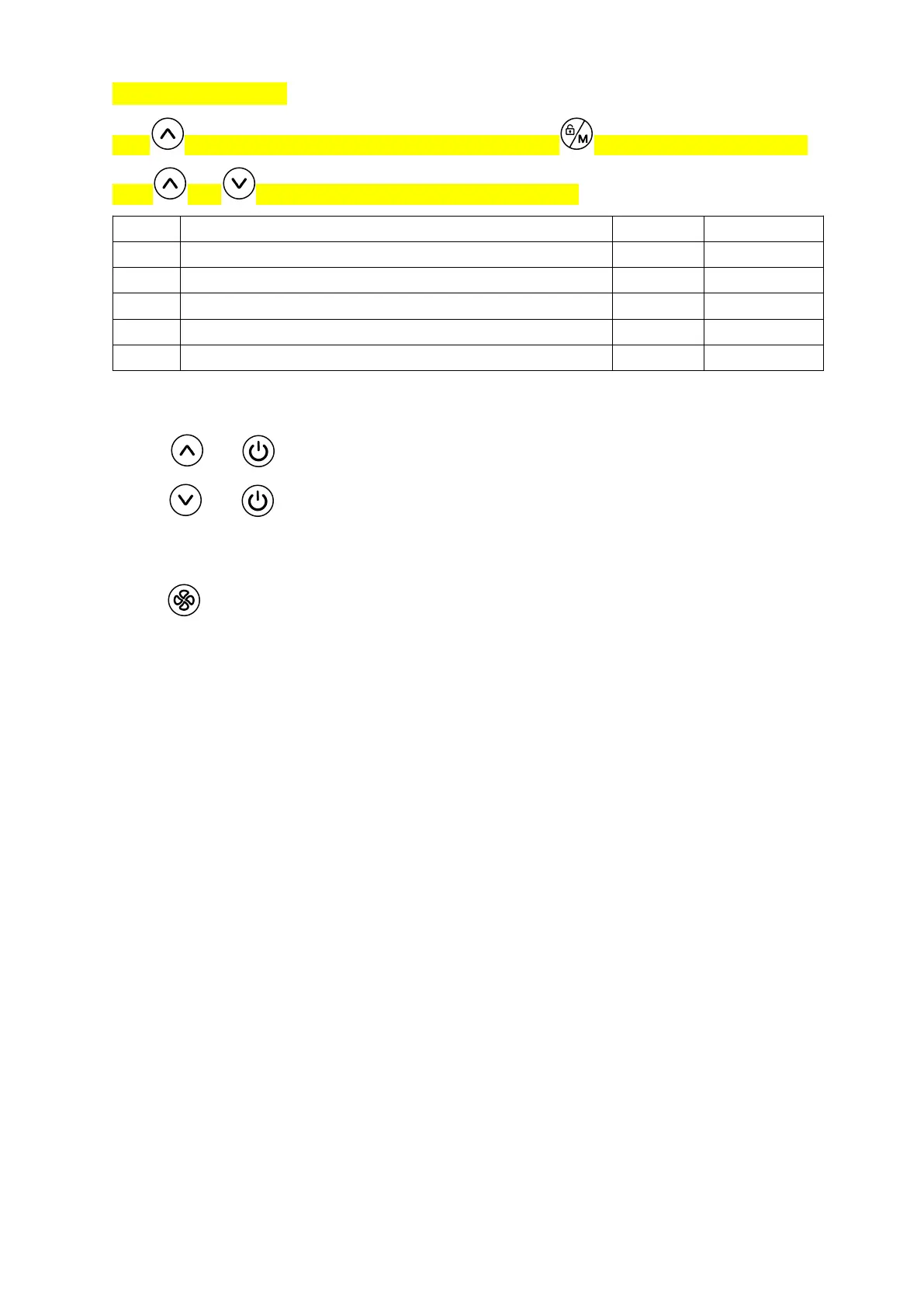
6.11 Parameter seKng
8 5/P( (
Code Descrip"on Default Scope
/@- 8 3I
℃
AL6@
℃
/@3 0 3I
℃
AL3A
℃
/@5 3I
℃
AL6@
℃
/@6 >? -
℃
-L-A
℃
/@7 8MGBM<< - -MG(@M<<
VII. Ini"al Opera"on
7.1 AHen"on
= >#(F
= ;*
7.2 Prepara"on Before Adjustment
= &
= 0
= ;E
= ;
6.12 Wi-Fi Setting
Hold + for 5 seconds, enter the mode of intelligent net distribution
Hold + for 5 seconds, enter the mode of AP net distribution
6.13 Change Display of Temperature from (°C) to (°F)
Hold for 5 seconds, if fail, try to hold it for 5 seconds again. When you see the icon is
changed, then succeed.
Note: When the temperature display is changed, you need to set the Wi-Fi again.


 To Next Page
 Loading...