E42
Inner piping temperature
sensor failure
Sensor disconnected or
defecve
Reconnect or replace sensor
E46
DC fan motor
malfuncon
Bad wire connecon Check fan motor wiring
Fan motor defecve Replace fan motor
*Any manipula"on of the refrigerant or related components must be performed by a
quali$ed technician. Contact Fibropool technical support for assistance.
X. WiFi Connec"on and Opera"on
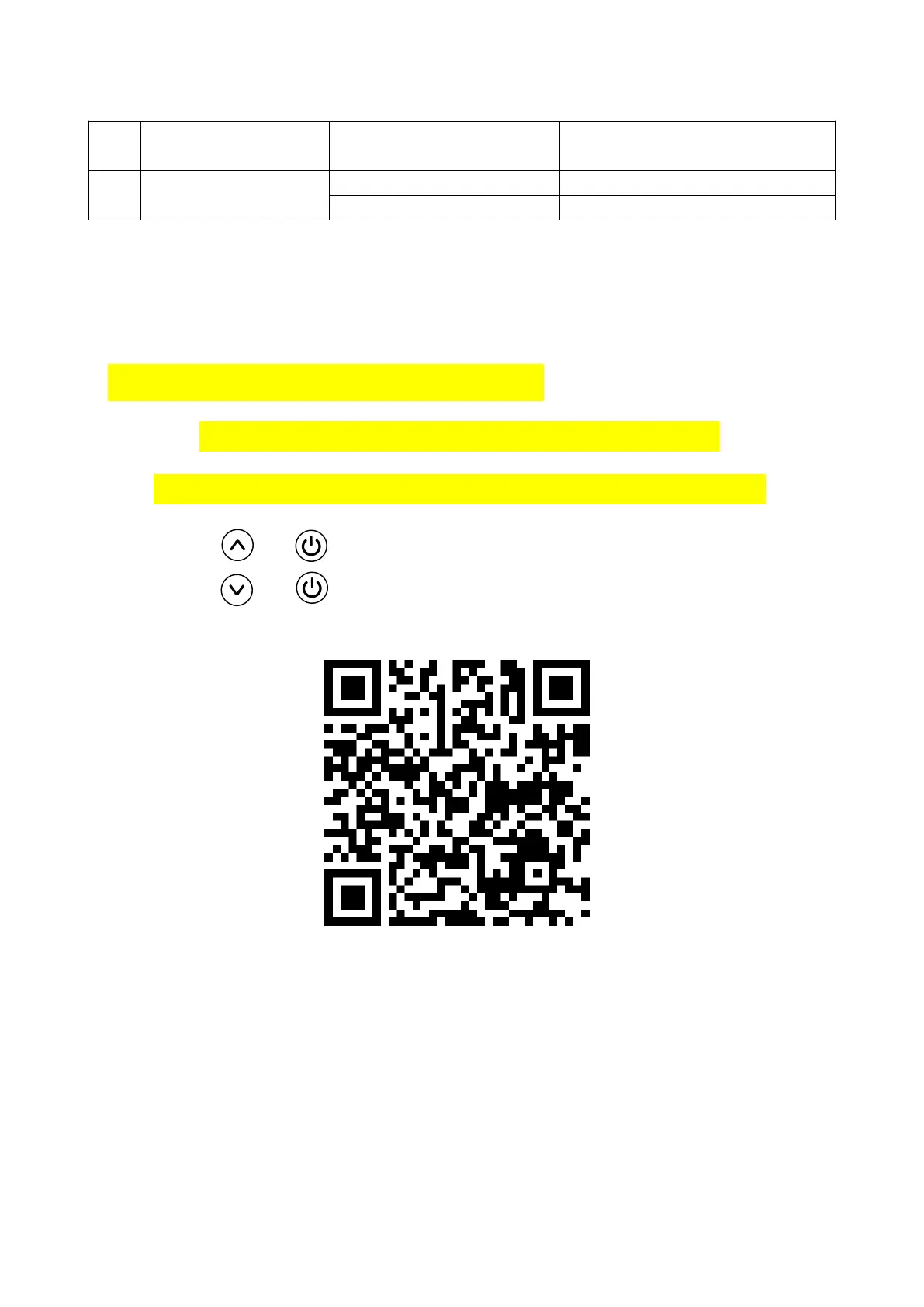
Scan the QR code below with your phone’s camera
for step-by-step WiFi connec"on and opera"on instruc"ons
Hold
Hold
+ for 5 seconds to enter Wi-Fi pairing mode
+ for 5 seconds to enter Bluetooth pairing mode


 To Next Page