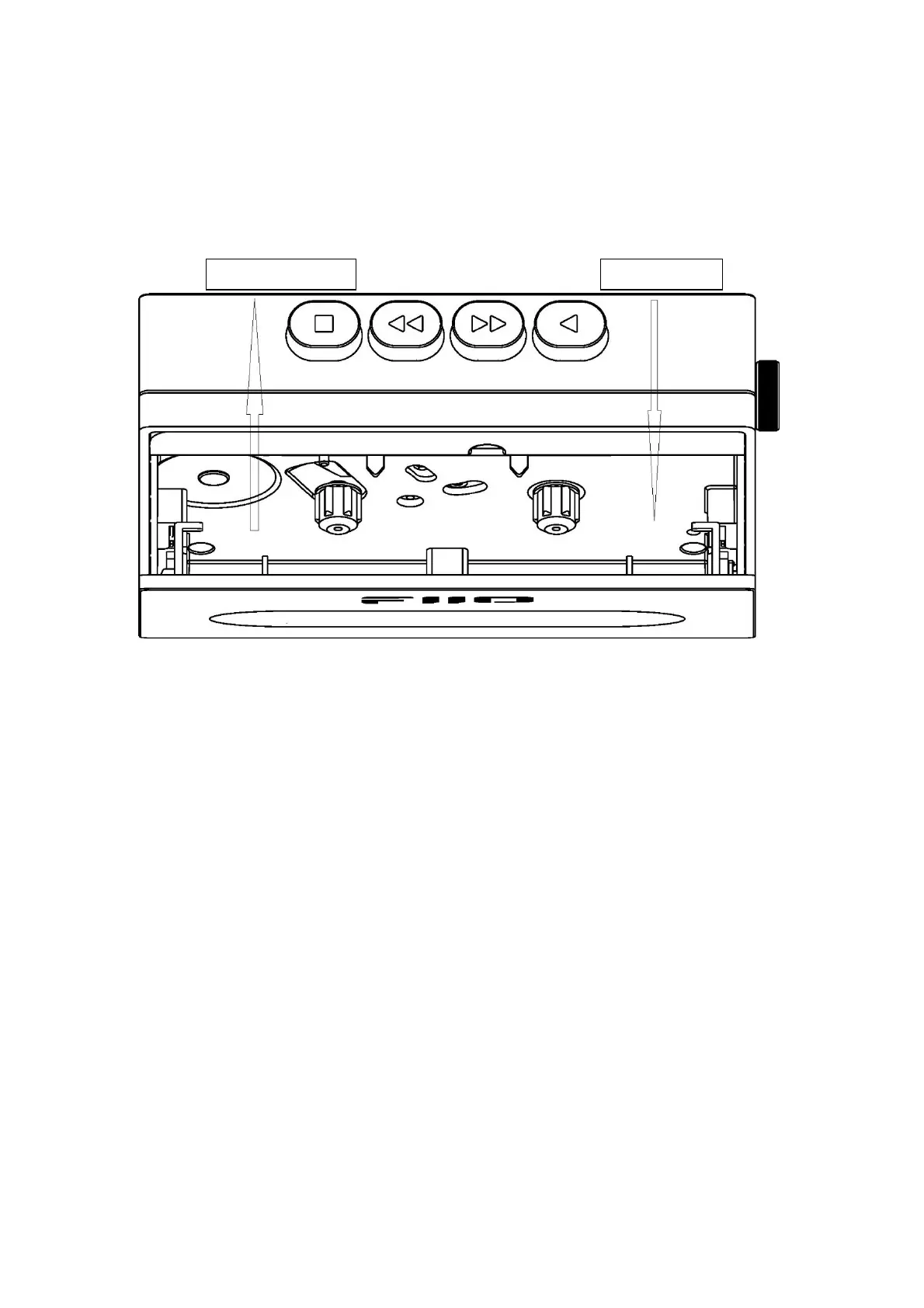
Take out and Put in the Cassette
Please open the front cassette door to take out or put in the cassette in the
direction shown in the picture, and then close the door after the cassette is
in the right place.
Charging
The CP13 has a USB port marked as "POWER IN". It is suggested to use
a 5V 2A power adapter for power supply and charging.
The color of the charging indicator light represents the current charging
status of the device. The red light on means the battery is being charged,
and the green light on means the battery is fully charged. If the device is
not in the charging state, the indicator light is off.
Button Operation
Play: Press and the left spindle will start to rotate. If there is a cassette in
the device, it will start to play normally.
Fast forward: Press and the left spindle will start to rotate fast. If there is
a cassette in the device, it will start to move forward fast and no music
will output at this time.



 To Next Page