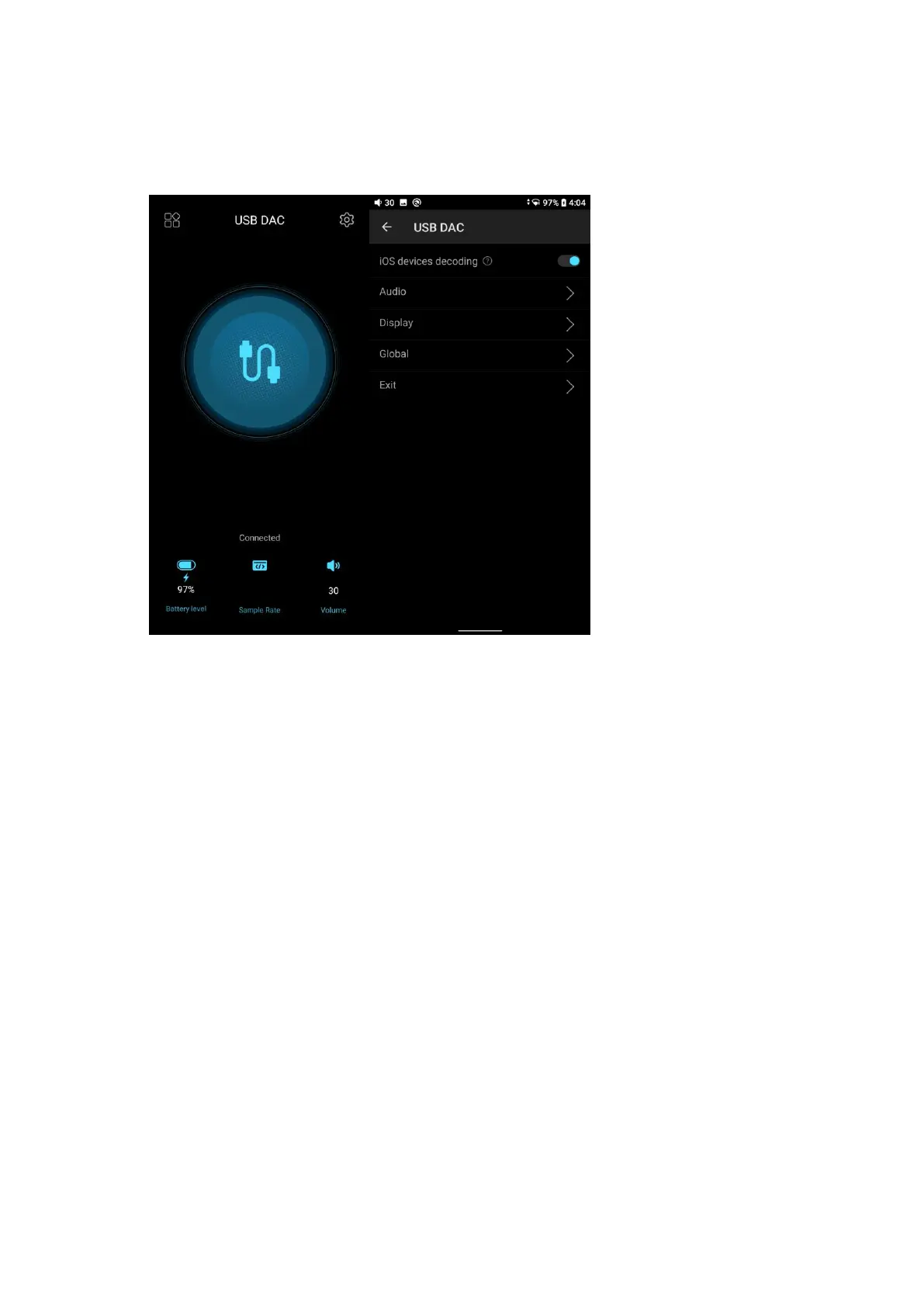
2. When the M15S is used as USB DAC for iOS device, please enable the ‘iOS
devices decoding’ option in the setting menu first.
7. How to use the M15S as a Bluetooth receiver?
1. Go to the drop-down or Settings menu of the M15S, and choose the working
mode as Bluetooth receiving mode.The M15S will enter pairing state
automatically at the first time.
2. Go to the Bluetooth transmitting list of the mobile phone, and tap the M15S
to complete the connection.
Note:
1. You could hold the play/pause button for 5 seconds to re-enters pairing state
in the M15S.
2. The M15S will reconnect the Bluetooth device connected previously after
enter Bluetooth receiving mode again.



 To Next Page