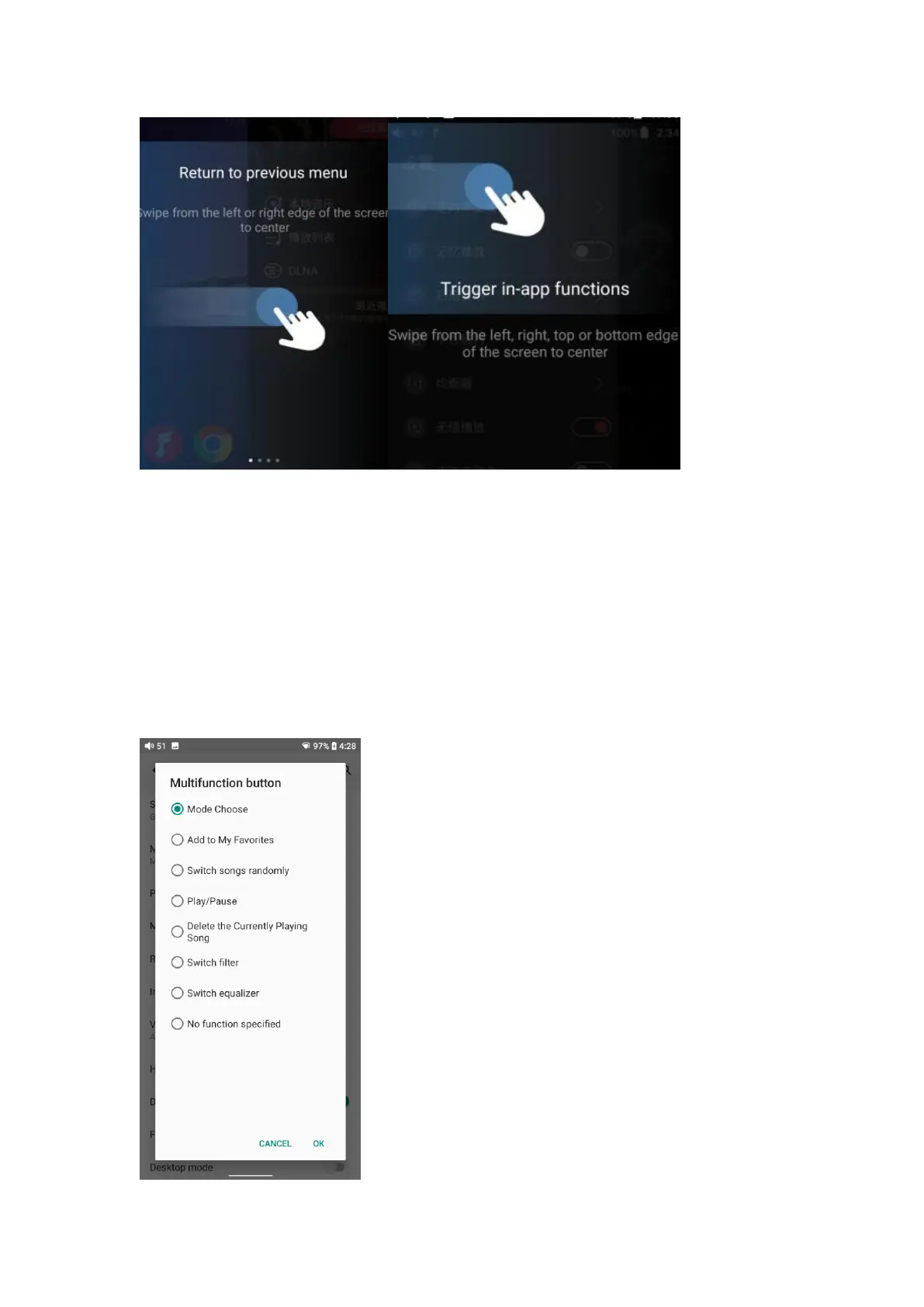
Multi-function button
To assign the function of the multifunction button on the left side.
You can customize the multi-function buttons to select a frequently used
function for one-button quick start.
For example, you can set the button to add to favorites, random play,
play/pause, switch filter, switch equalizer, delete the currently playing song,
switch to USB DAC mode, switch to Bluetooth mode, no function, etc.



 To Next Page