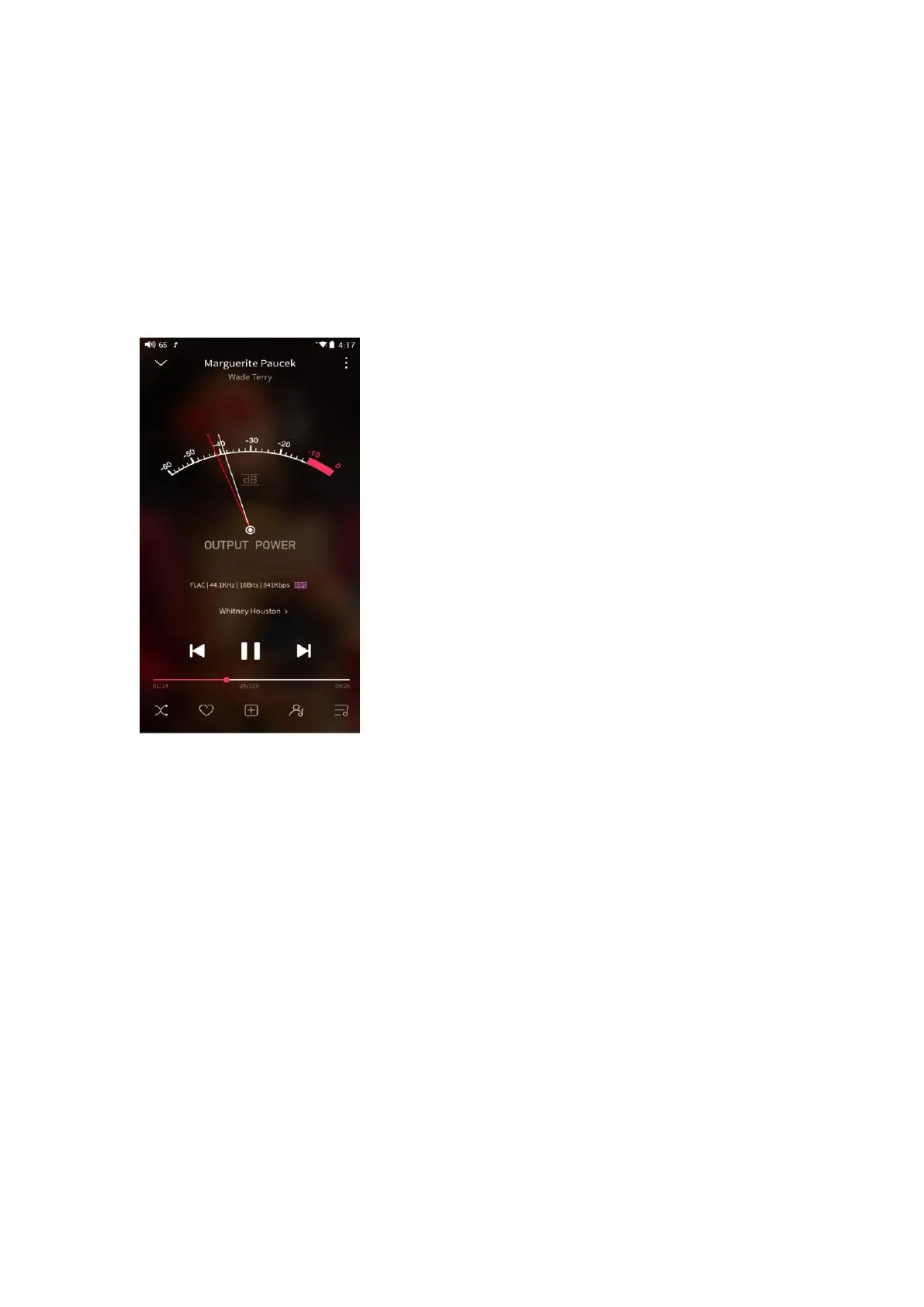
6.UV meter
There is a newly added UV meter (audio meter) with a dB threshold and
dynamic pointer displayed. Closing to the red threshold of 0dB means audio
distortion.
How to enable it: tap the song cover on the now playing page to enter the UV
meter displaying page.
7.Frequency spectrum playing page
There is a newly added frequency spectrum mode in the now playing page,
which has 3 built-in spectrum effects available. Besides, users can self-define
Full screen display or Original display for the spectrum mode.
How to enable it: go to the Settings menu in FiiO Music app->Theme->Now
playing page. Choose Spectrum display.



 To Next Page