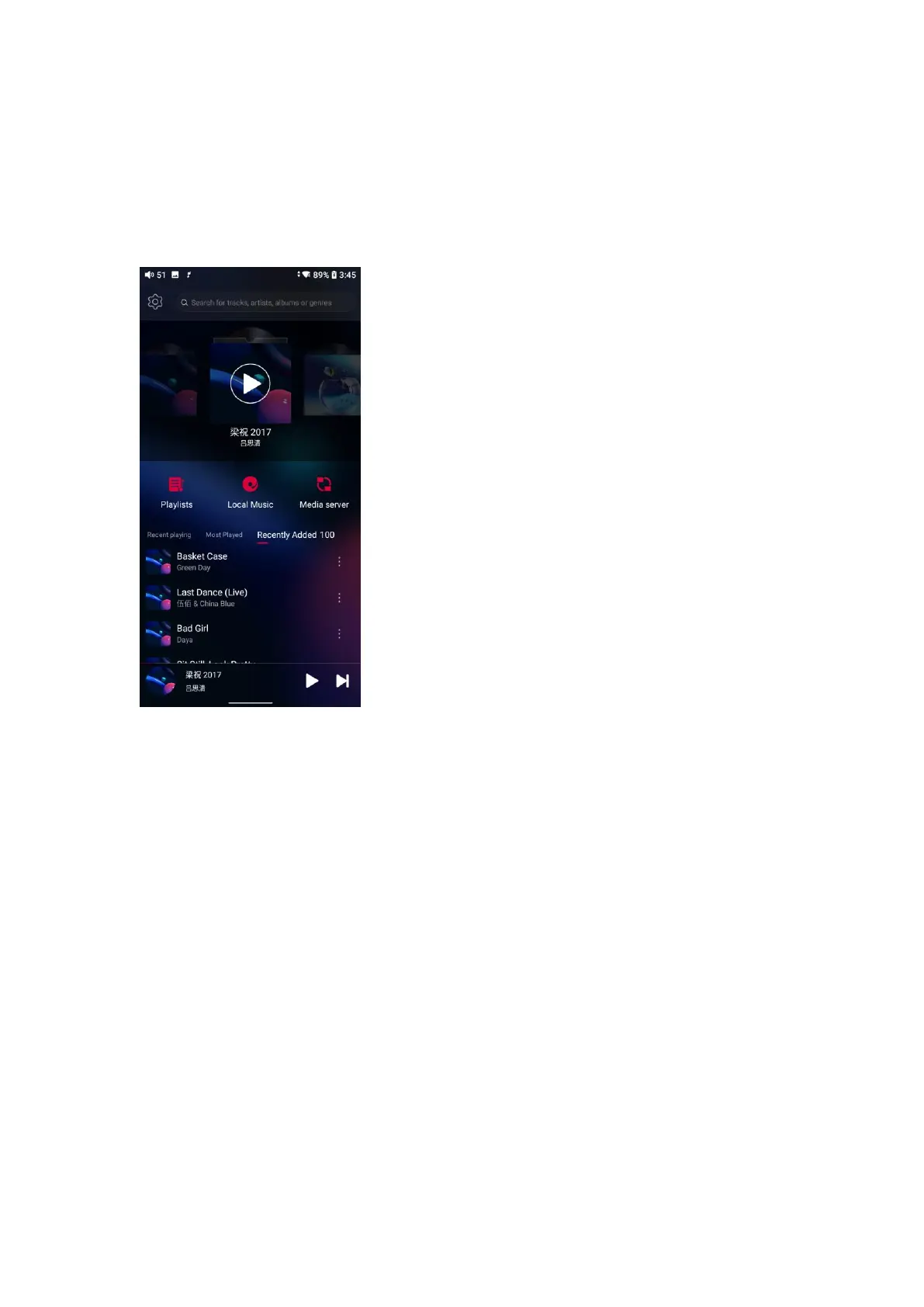
Pure Music mode
Third party applications will be automatically disabled while FiiO Music app will
be auto-enabled. It can be switched to other modes on the drop-down or
settings menu.
USB DAC mode
In USB DAC mode, the M15S can be connected to other devices like a
computer, working as a USB DAC/Amp. It can be switched to other modes on
the drop-down or settings menu.
Notes:
1. When the M15S is going to work in the USB DAC mode for the first time in
Windows computer, FiiO's exclusive USB DAC driver is required. Please
download it on our website and follow relevant instructions to install it.
2. When the M15S is used as USB DAC for iOS device, please enable the
‘iOS devices decoding’ option in the setting menu first.



 To Next Page