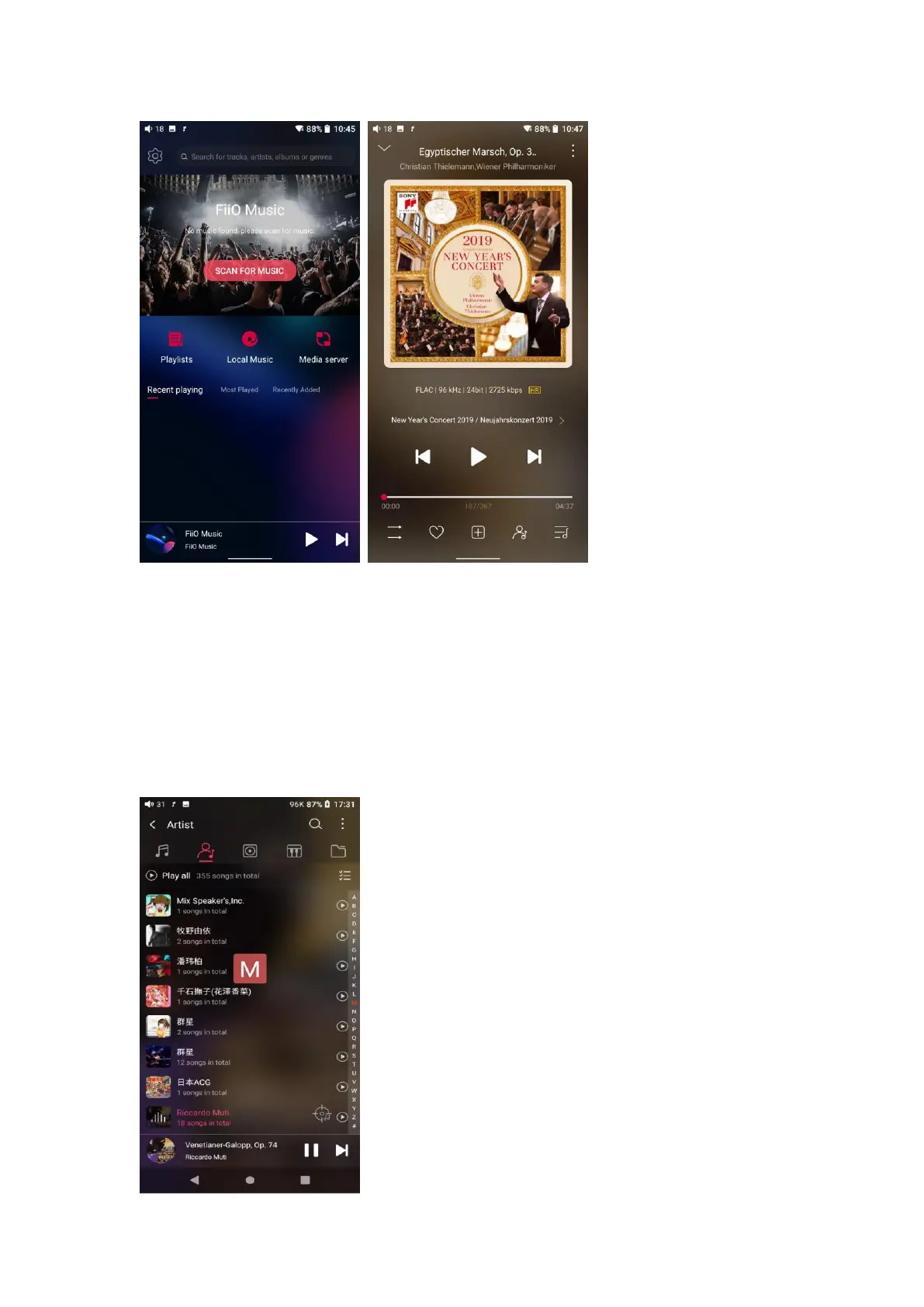
2.Quickly locate all songs
Slide the screen with your finger on the letter bar at the right side. A quick
search icon will show up in the middle of the screen. Sliding to corresponding
initials and relieving your finger, it will directly jump to the songs starting with
the initial you have chosen.



 To Next Page