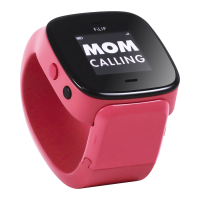
What does the big red button do?
Press it firmly for 1 second to turn on your FiLIP.
Press it to make a call once you’ve selected a contact.
Press it to hang up when you are done with a call.
Press and hold it for 3 seconds to initiate Emergency Mode.
Press it to switch between displays.
What does the black button do?
Press it to scroll through your contacts.
1369_Guide.indd 9 9/30/14 9:54 PM


 To Next Page