7M User’s Manual 11
3. FIRST STEPS
Programming a single phase energy meter 7M.24 is very transparent and user friendly.
Numerous settings are organized in groups according to their functionality.
3.1 Display
Measured data is presented on LCD. Display scrolls automatically. Displayed quantities and scroll time can be set via
communication via mobile app using NFC.
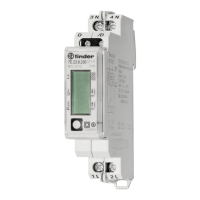
Energy meters have LCD display with the following layout:
1 Actual Value
2 Non resettable (MID) energy register.
This simbol indicates which energy counter permanently
counts (it can not be reset to zero or any other value)
3 (–>) Energy power import
(<–) Energy power export
4 The simbol indicates the specied counter
is currently active (real-time data)
5 Unit of measurement
Energy registers are displayed with resolution 6 + 1 (kWh, kvarh and kVAh).
The meter can be set to Test measuring mode which displays energy registers with better resolution. The test mode is
used for test purposes during type testing and test of meter constant during initial verication. After power o meter
automatically goes back to normal operation.
3.1.1 Welcome screens
Segment check Software version Check sum
At power on the software version and check sum of MID approved measuring part of software is displayed.
PLEASE NOTE



 To Next Page
 Loading...