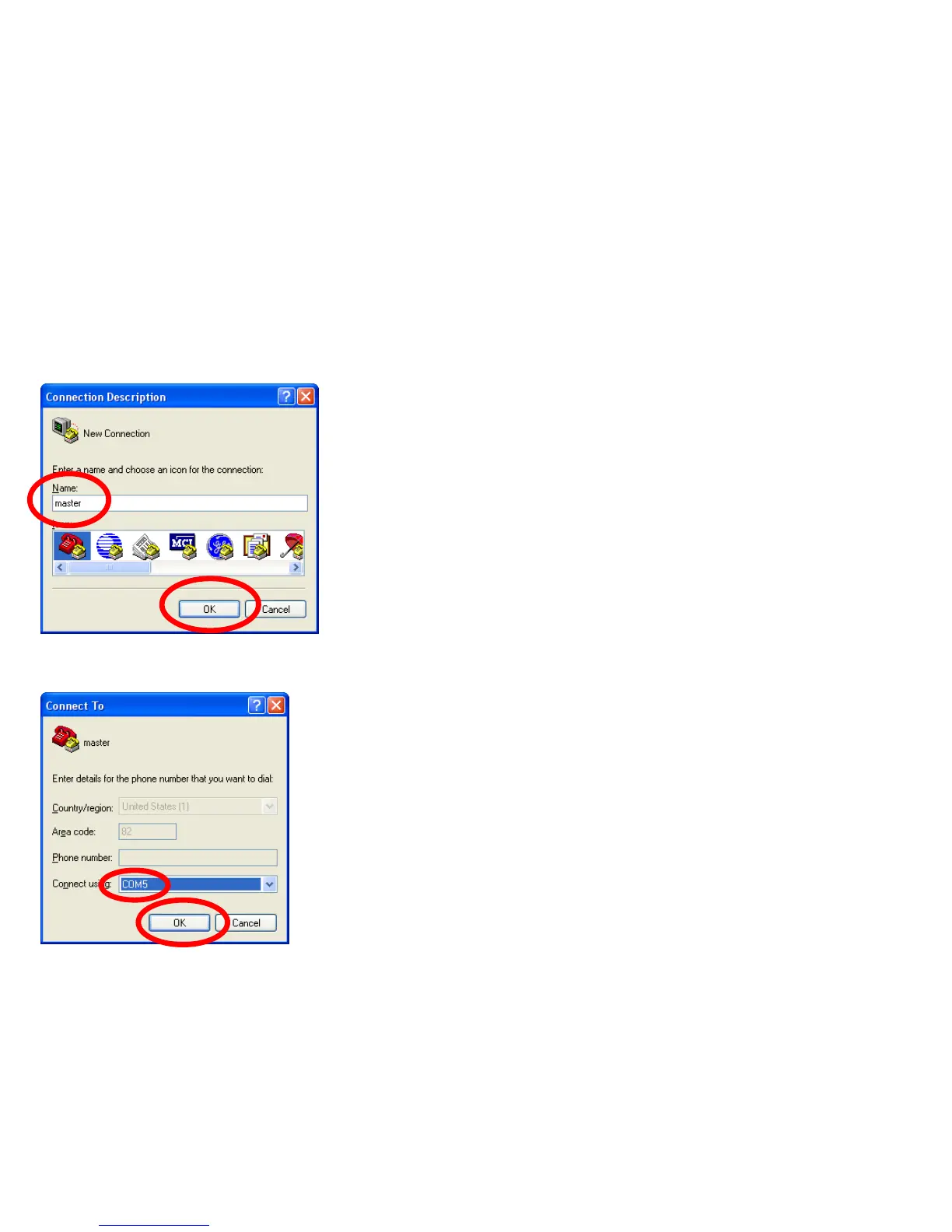
• Set up the hyper terminal connected to FB200AS.
• Enter“master" as a name.
(If assumps a name as master.)
• Click"OK" and proceed to the next step.
(3) Setup of Hyper Terminal - Name Setting
⑶
⑷
• Select a port to be connected to FB200AS
(Assumed here as 'COM5').
• Click “OK” and proceed to the next step.
(3) Setup of Hyper Terminal - Port Setting
⑴
⑵



 To Next Page