3. Auto Connect
(1) Connect
FB200AS is automatically connected in case of Master & Slave setup.
In case of a number of Bluetooth devices located close, it may take much time that FB200AS Master device
is connected with FB200AS Slave device. If so, first, press OFF of the power-supply switch of Bluetooth
device except for FB200AS Slave device and then the connection should be progressed.
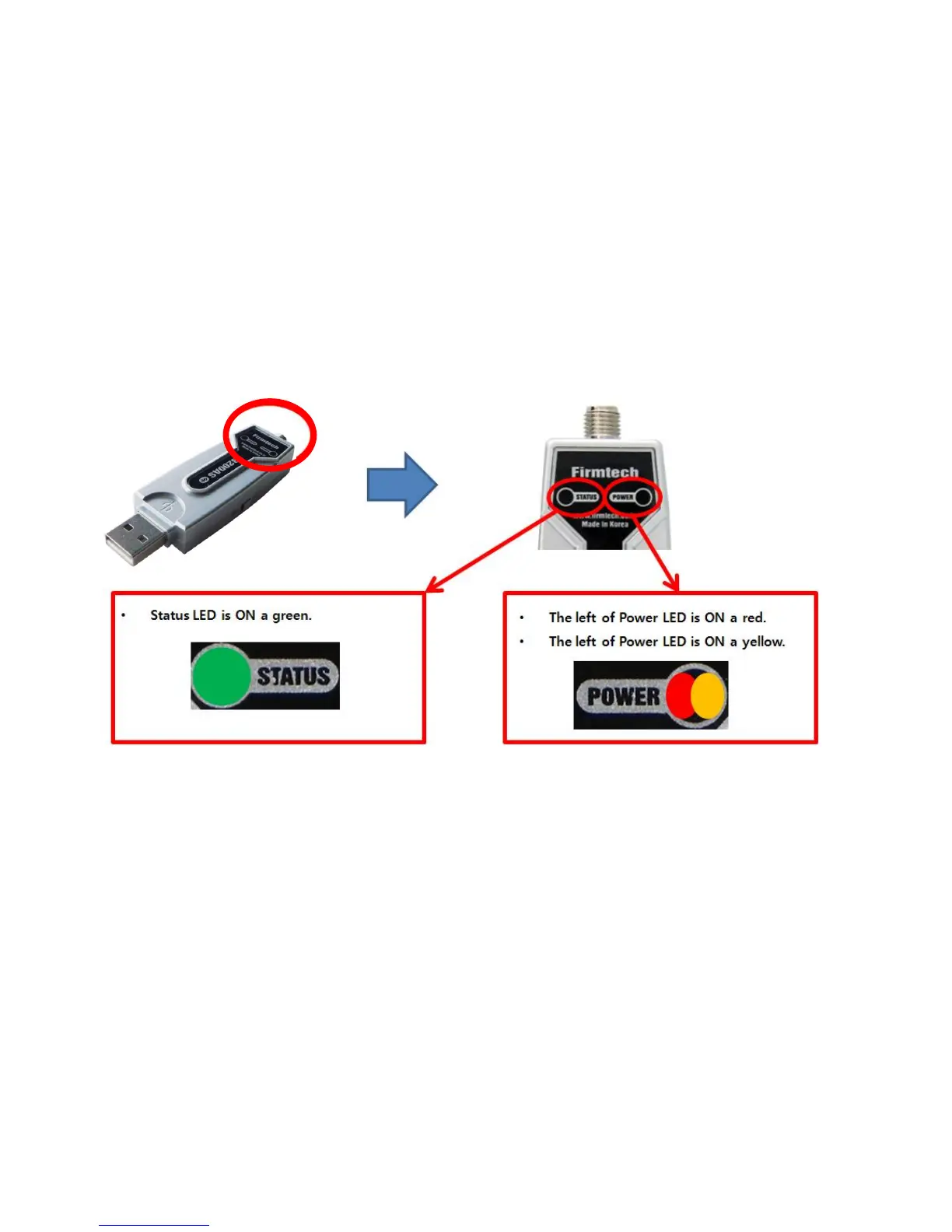
FB200AS uses a virtual serial port. It is difficult to confirm Master & Slave connection condition as a
message. Therefore, the connection condition should be confirmed by Status LED.



 To Next Page