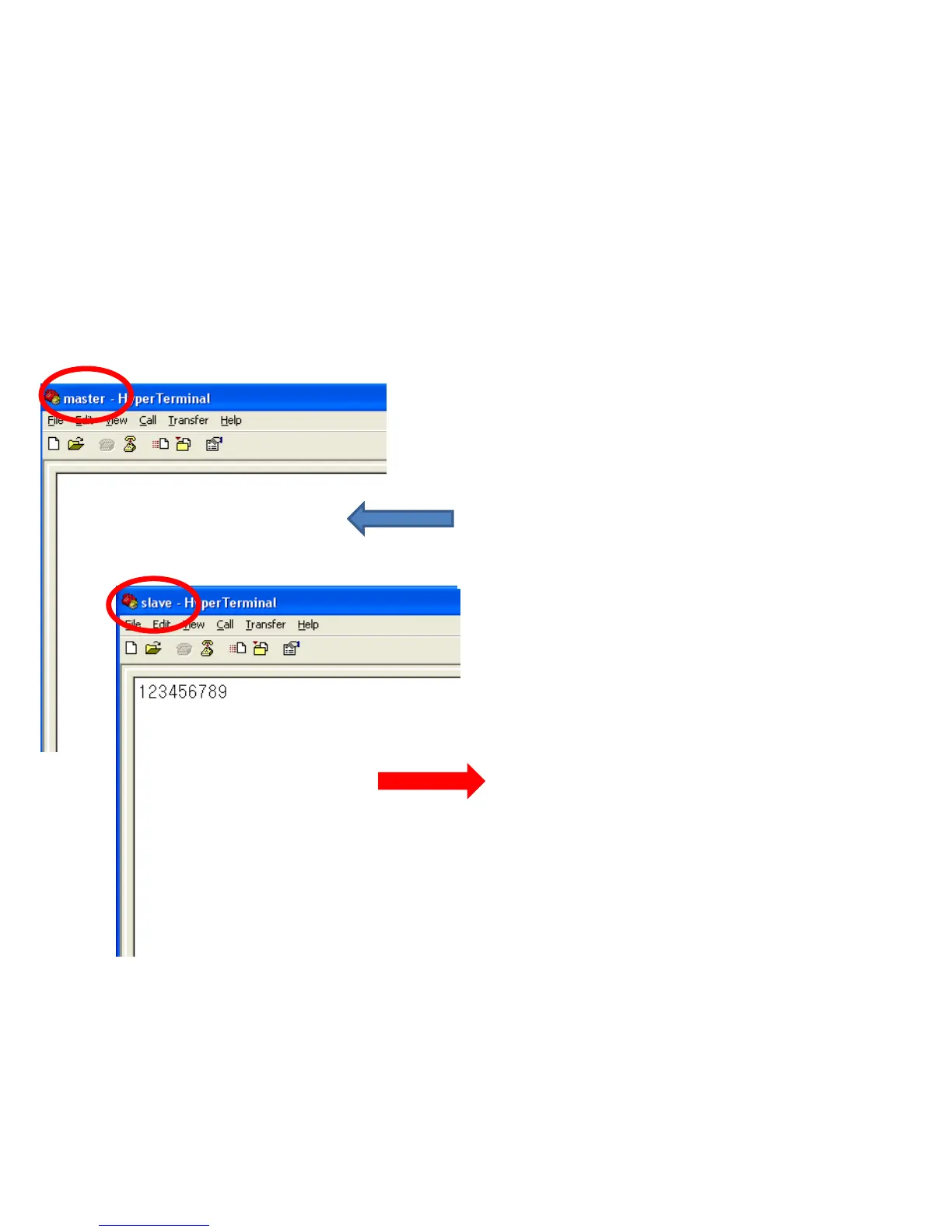
Displays the followings on the hyper terminal
connected to FB200AS setup to be slave.
• "123456789" is shown on the hyper terminal.
2. Serial Data Transmission
(1) Serial Data Transmission from master => Data reception from slave
Enter the followings on the hyper terminal
connected to FB200AS setup to be master.
• After entering "123456789" on the hyper-
terminal, press enter-key.
• Entered data is not shown on the hyper-terminal.



 To Next Page